Module 3 Formstorming

Weekly Activity Template

Yinman Tang


Project 3


Module 3

In this module, I explored how physical and digital interaction could be combined into one interactive system using Makey Makey and p5.js. In Activity 1, I focused on testing the provided code and formstorming different digital responses, such as changes in colour, shape, sound feedbacks, and p5.js effects. In Activity 2, I expanded this process by connecting conductive objects, exploring how different items and switching methods could create new forms of interaction. These activities helped me think more about how the body, objects, and code could work together.

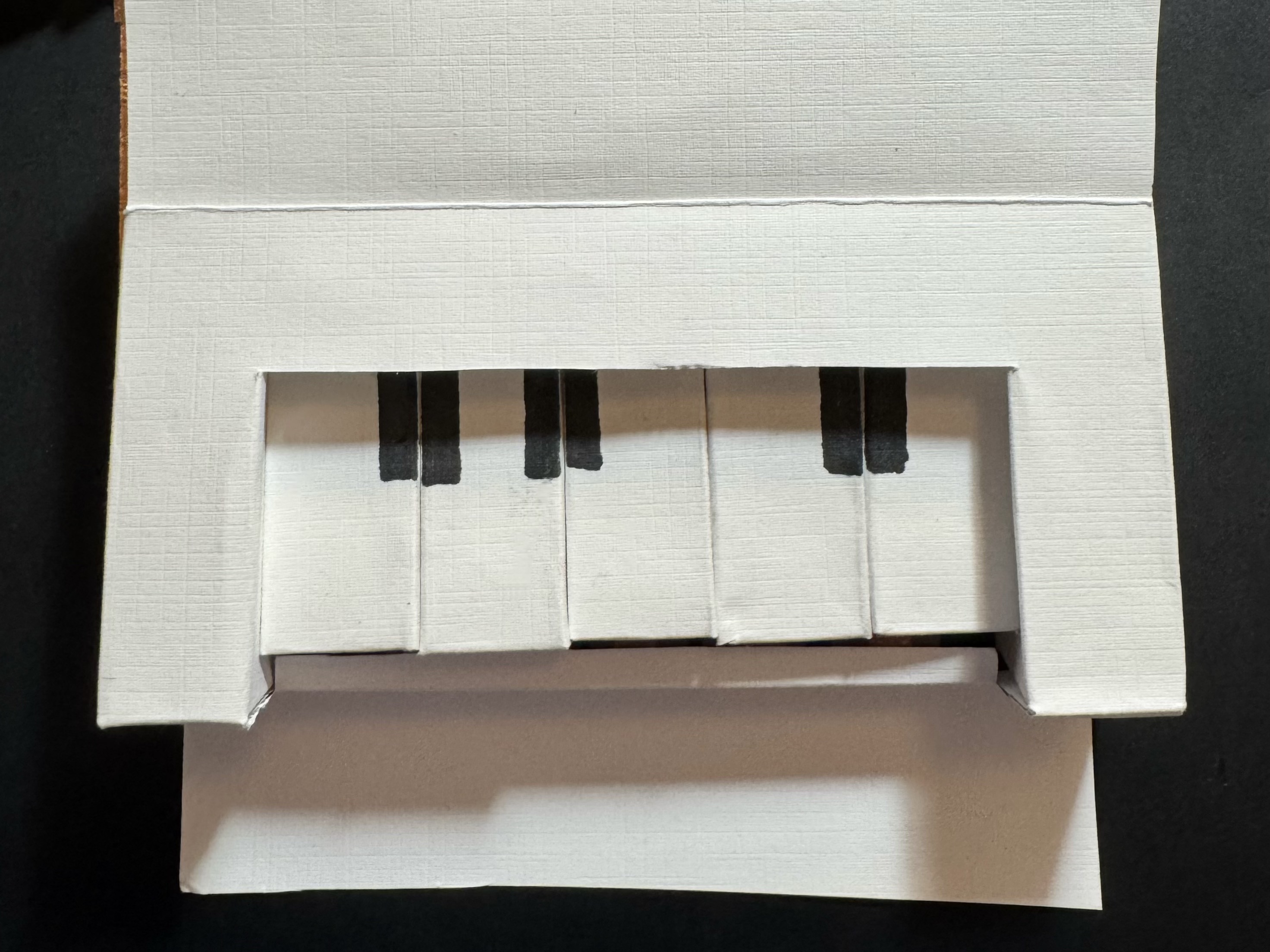
The final design developed from these earlier experiments into an interactive paper piano made from cardstock, Makey Makey, and p5.js. Each handmade key triggers both a piano note and a distinct visual response, transforming the instrument into an audio-visual experience. Overall, this project allowed me to explore the relationship between craft, code, sound, and motion, and to see how a simple handmade object could become a playful and expressive interactive interface.

Activity 1
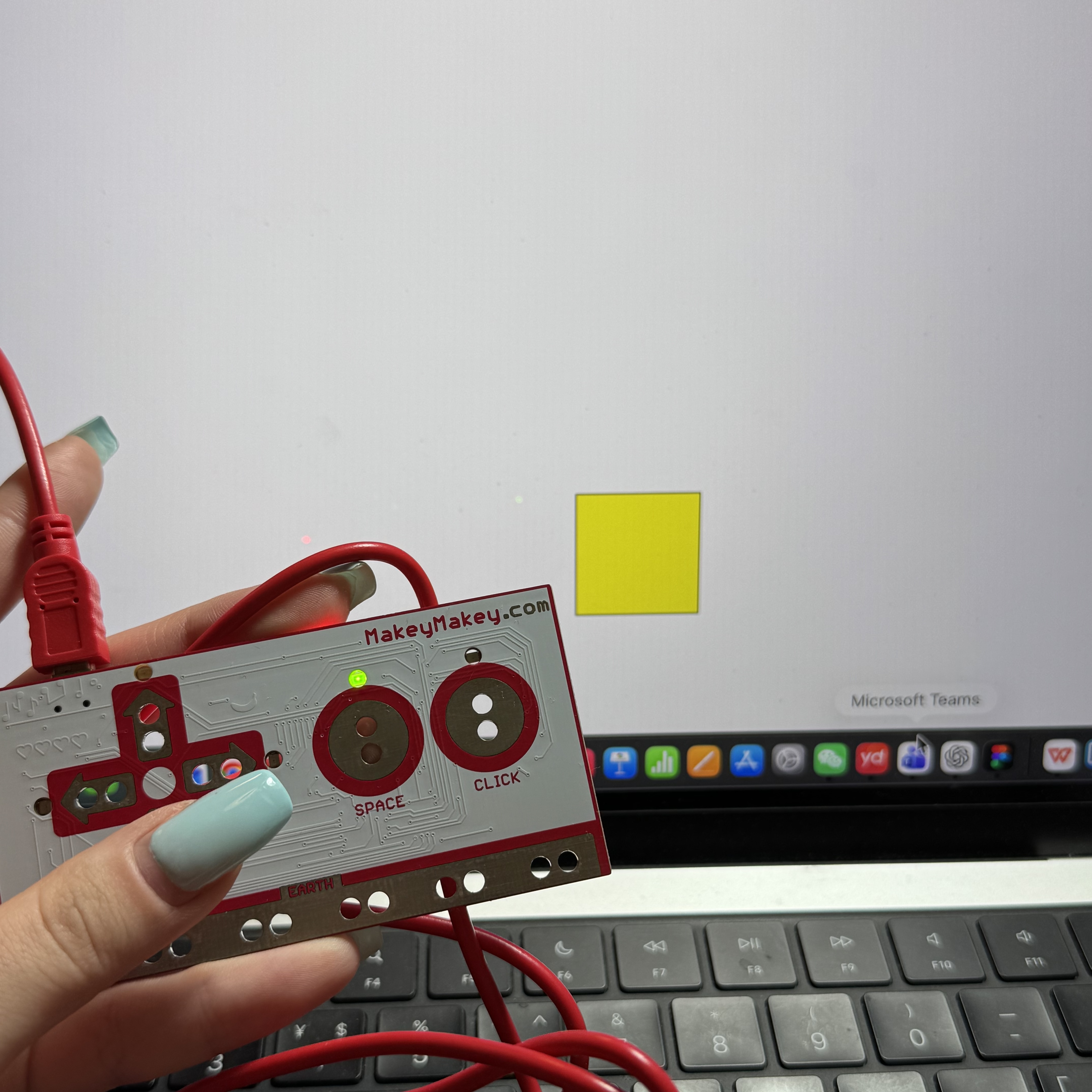
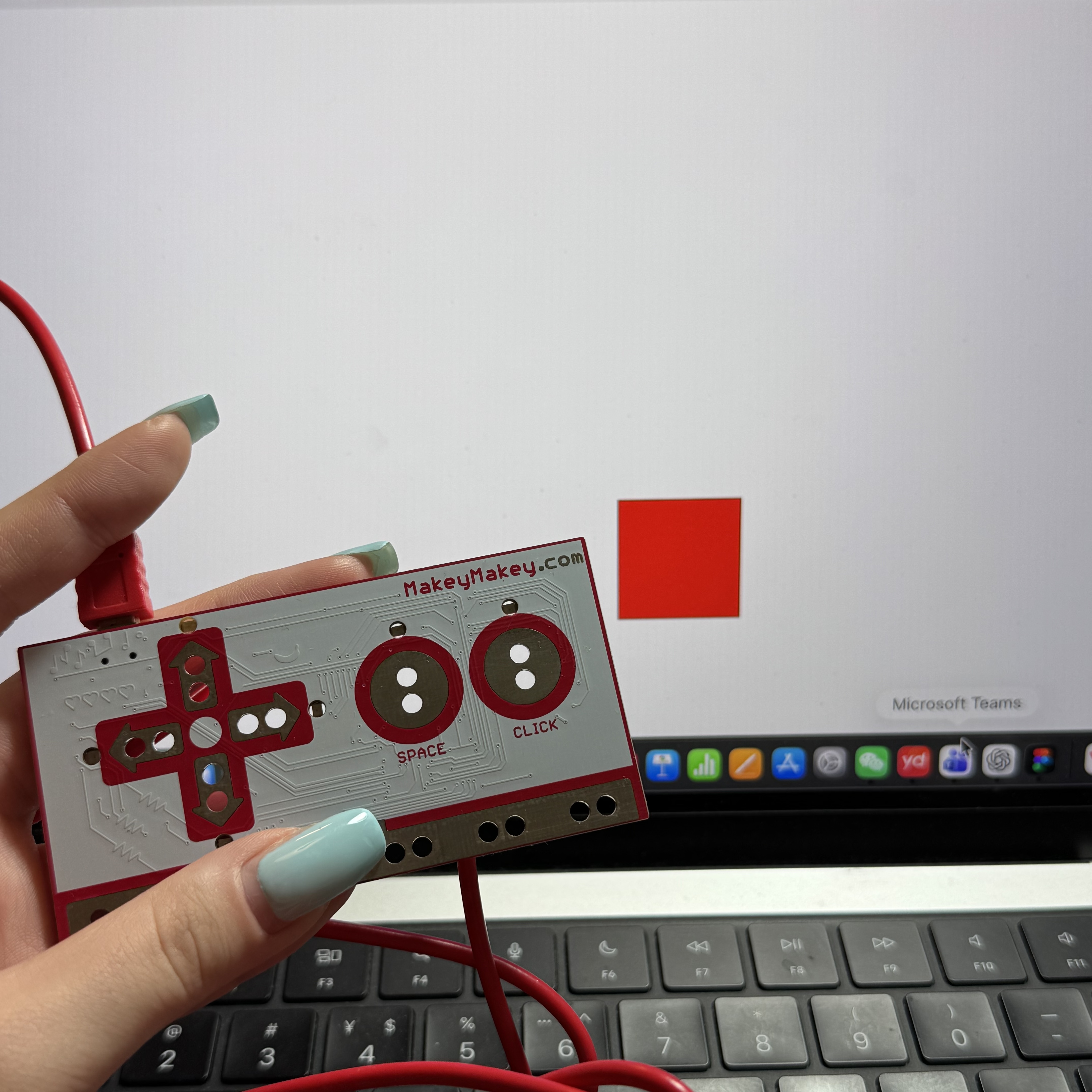
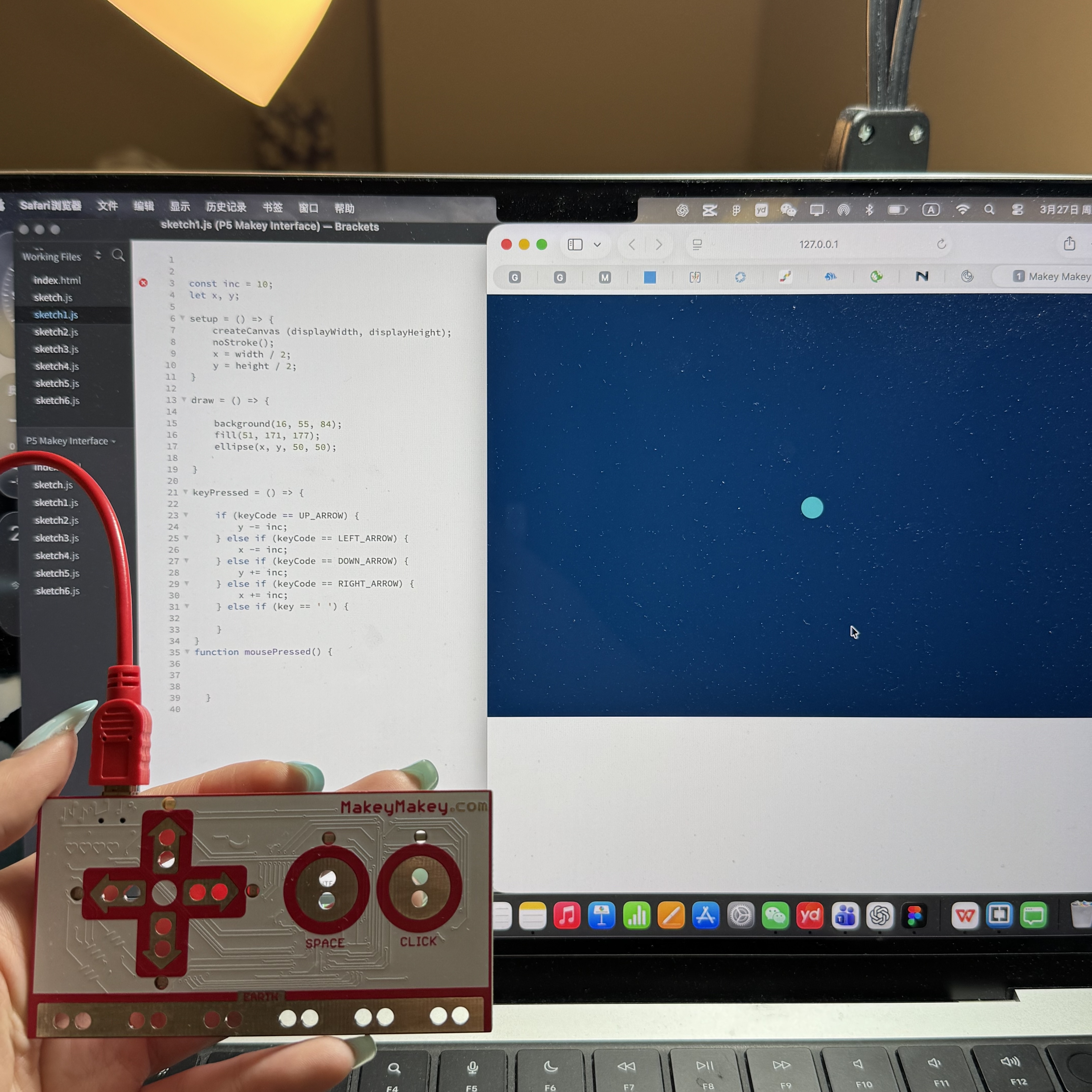
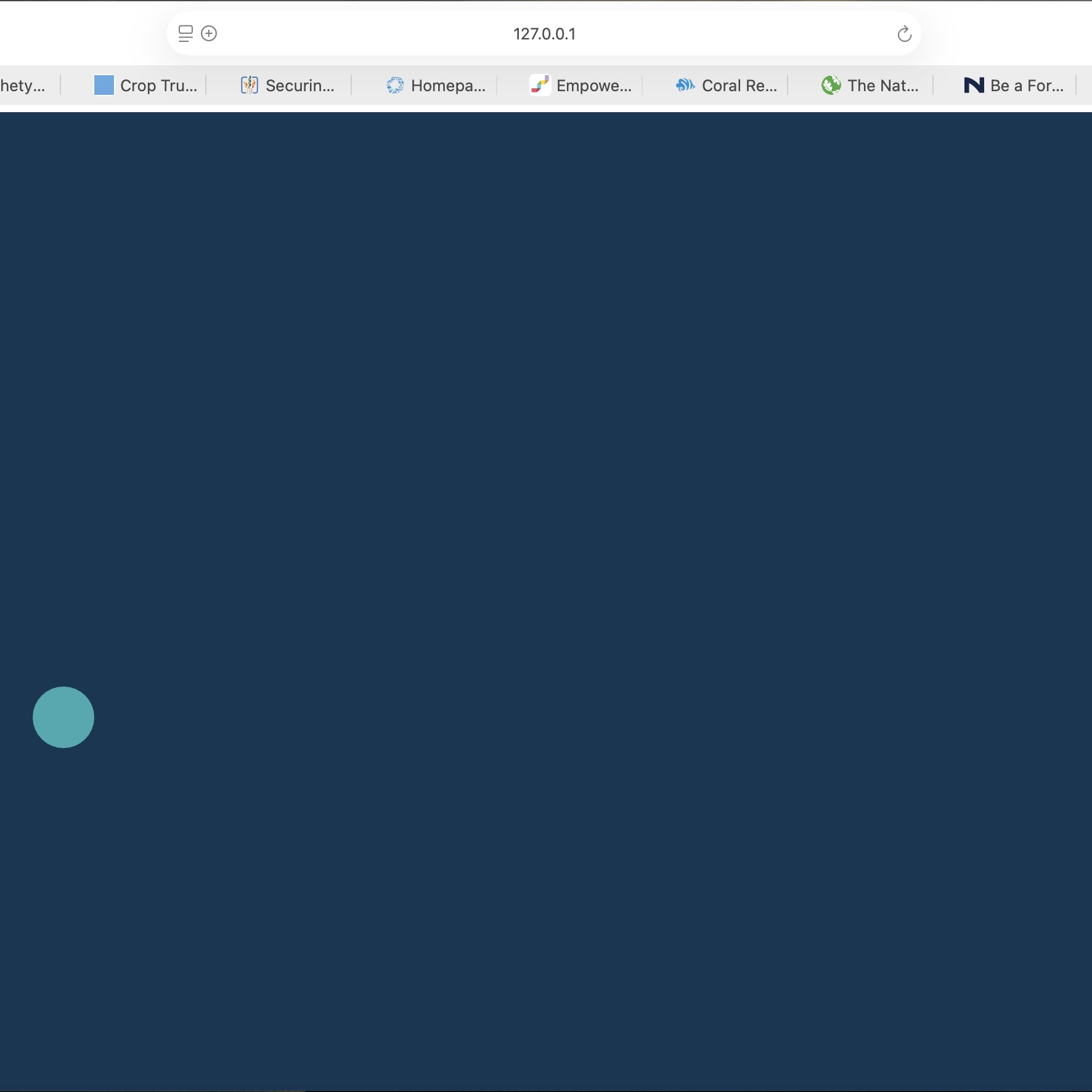
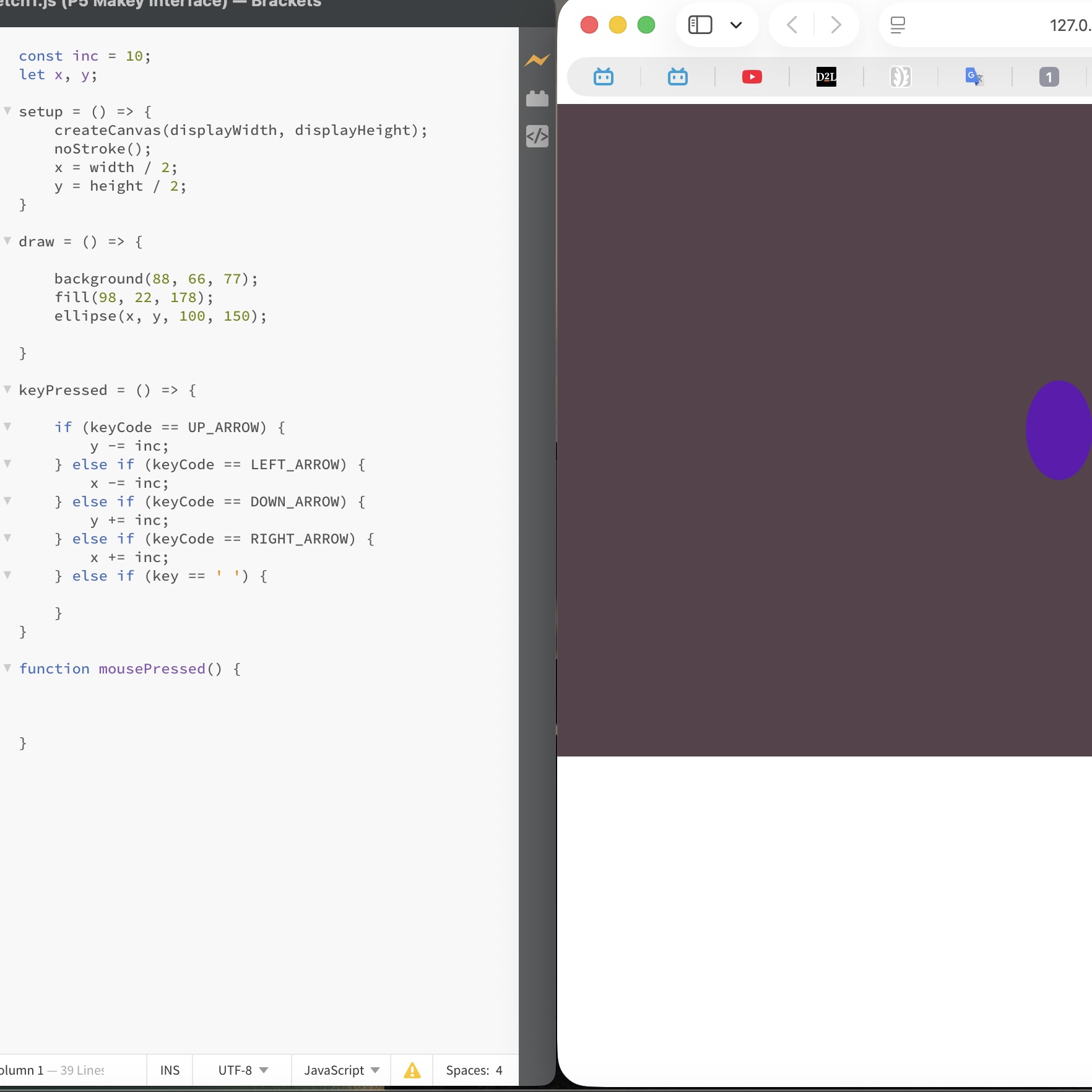
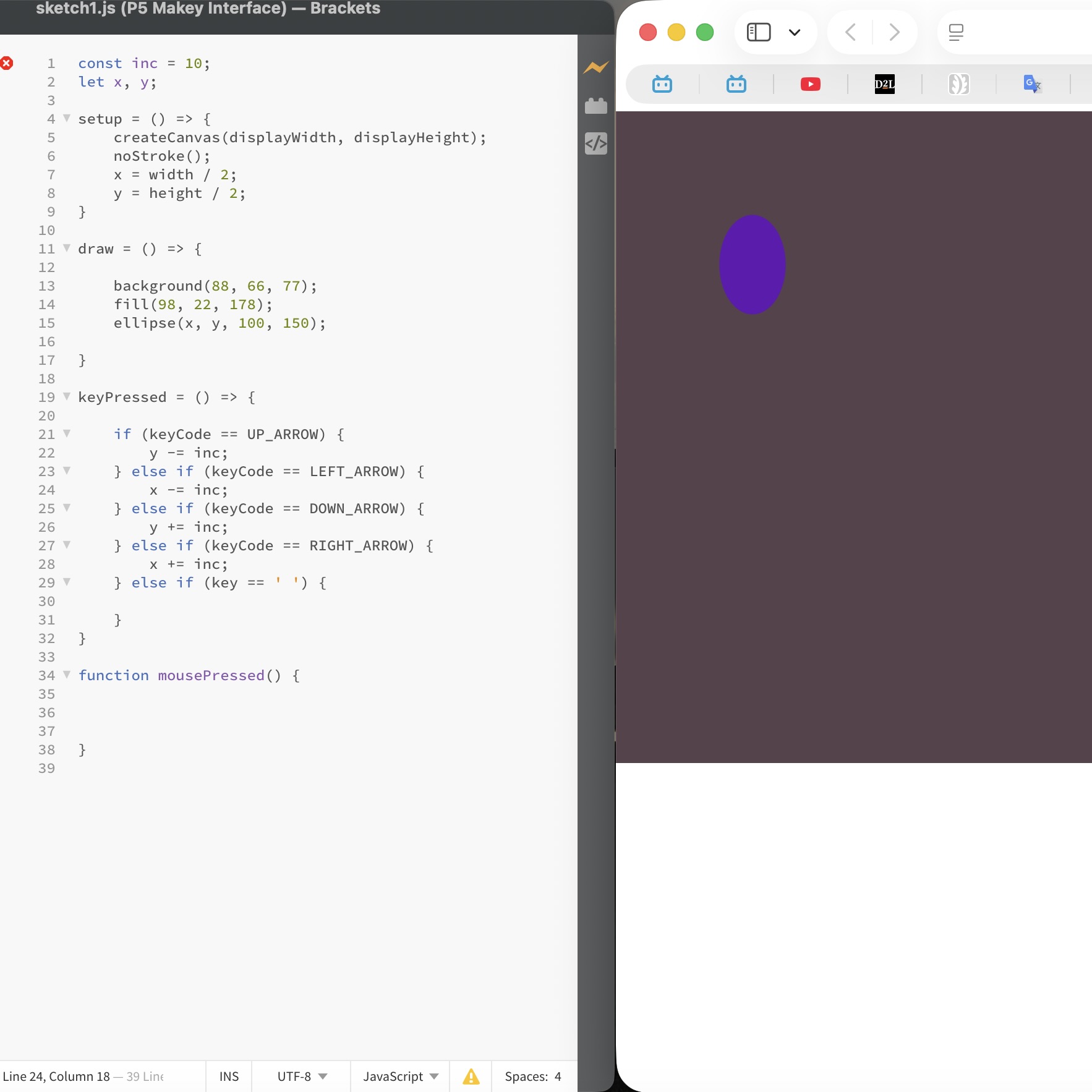
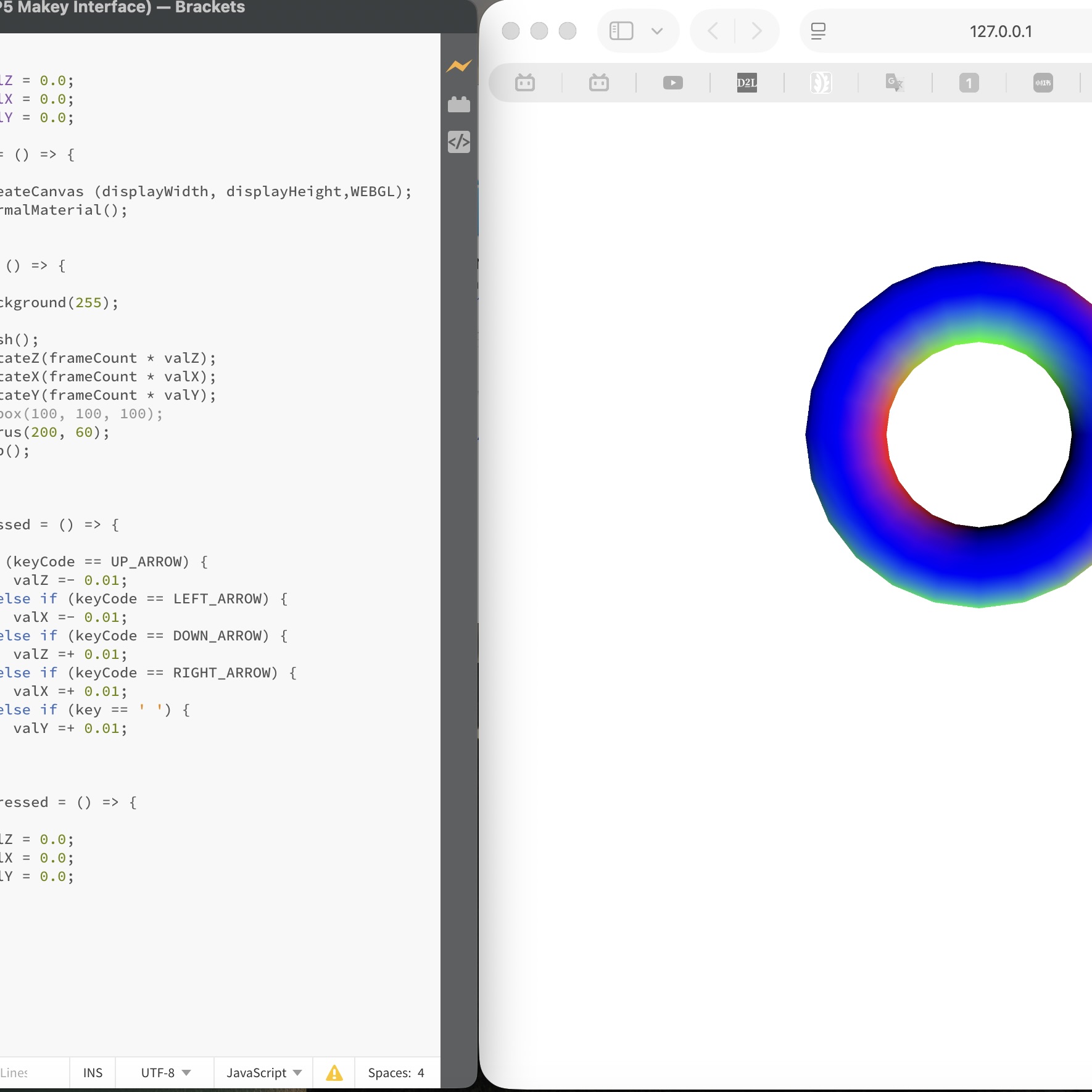
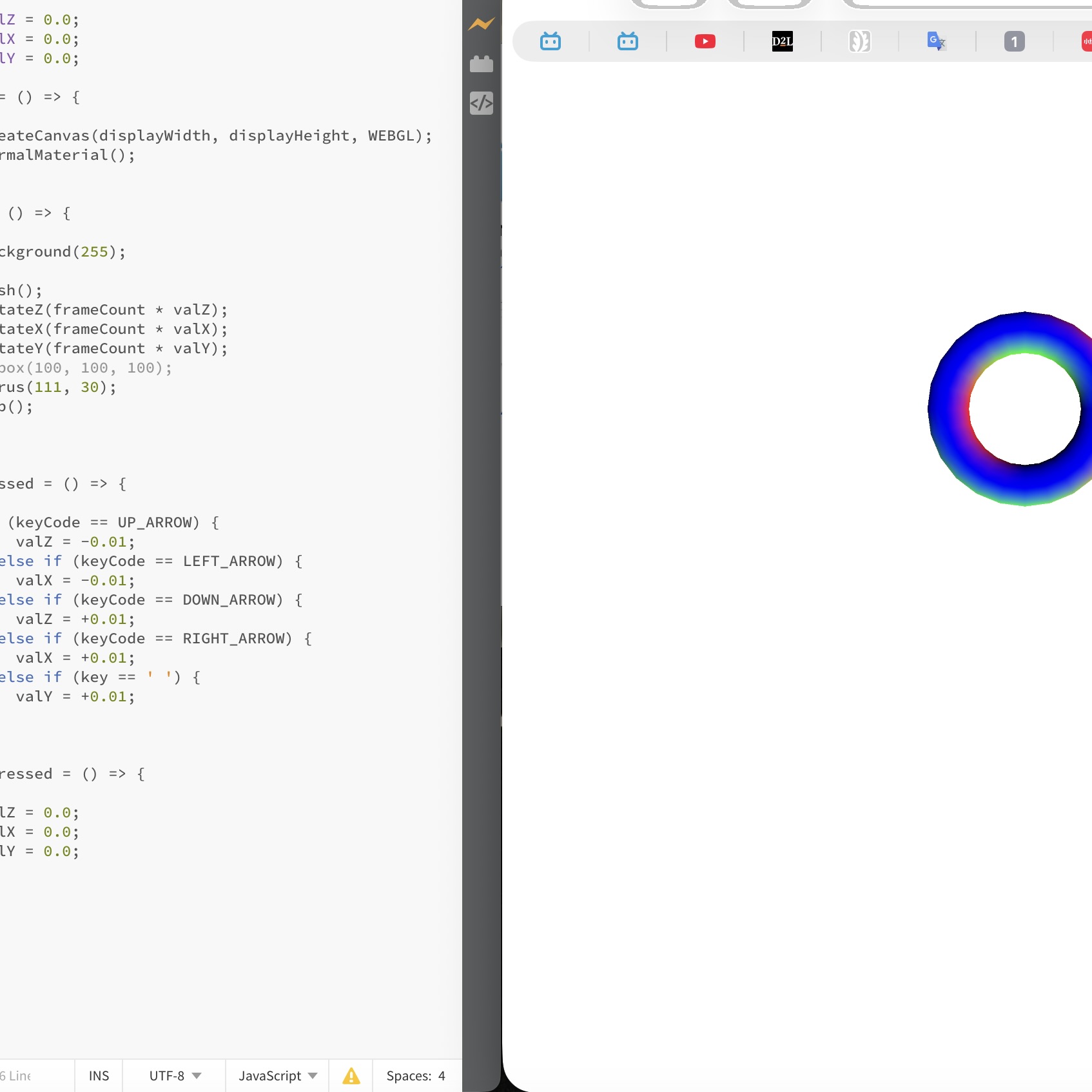
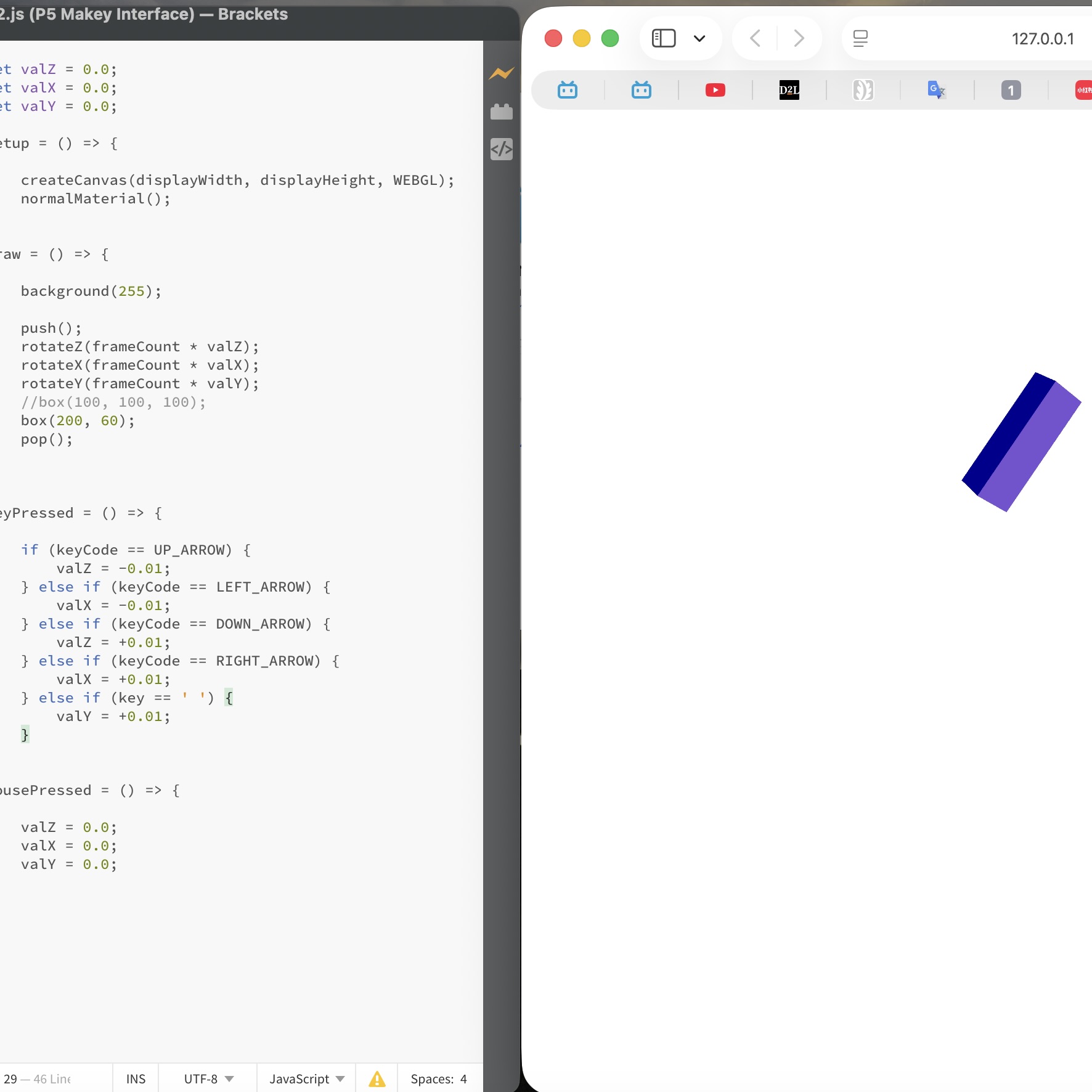
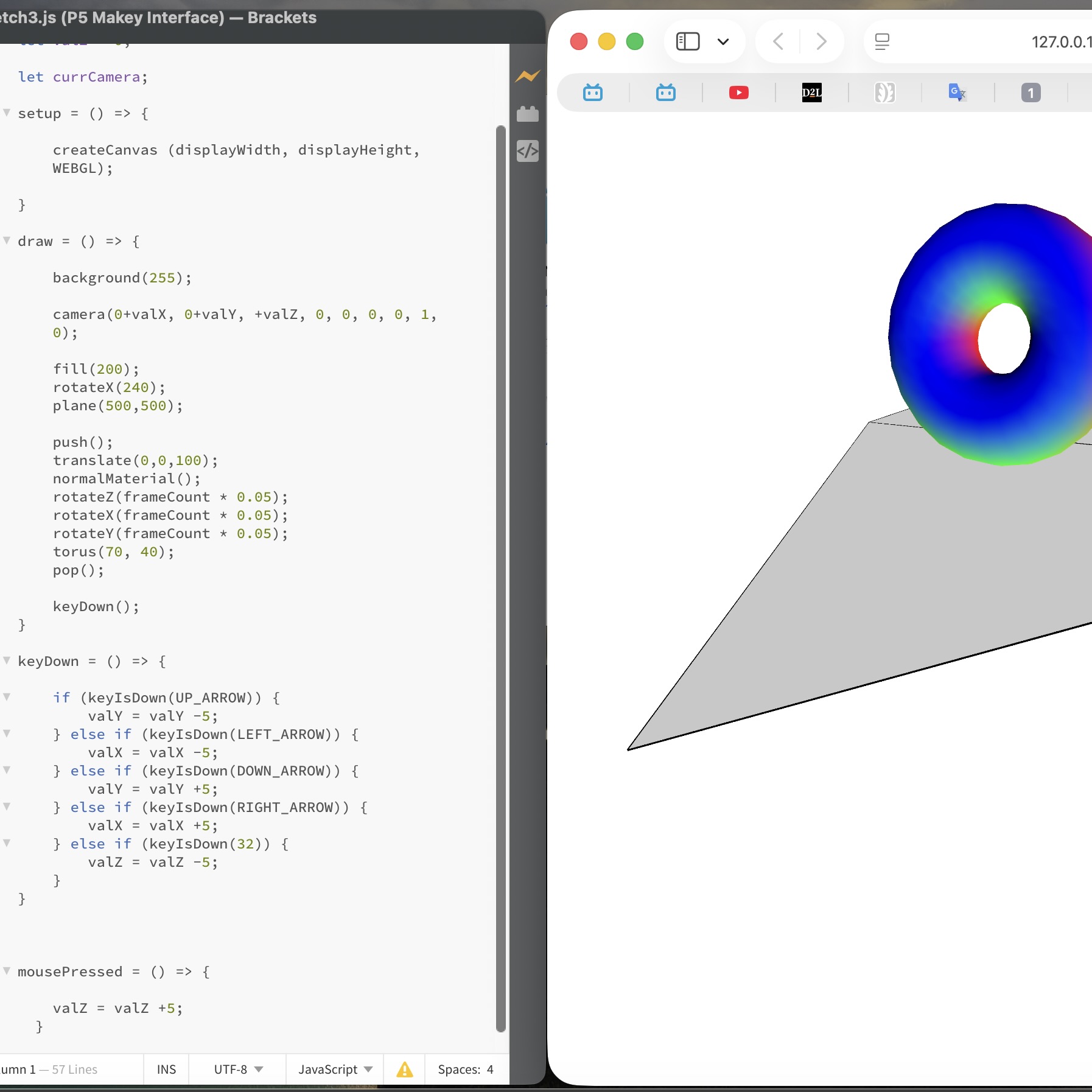
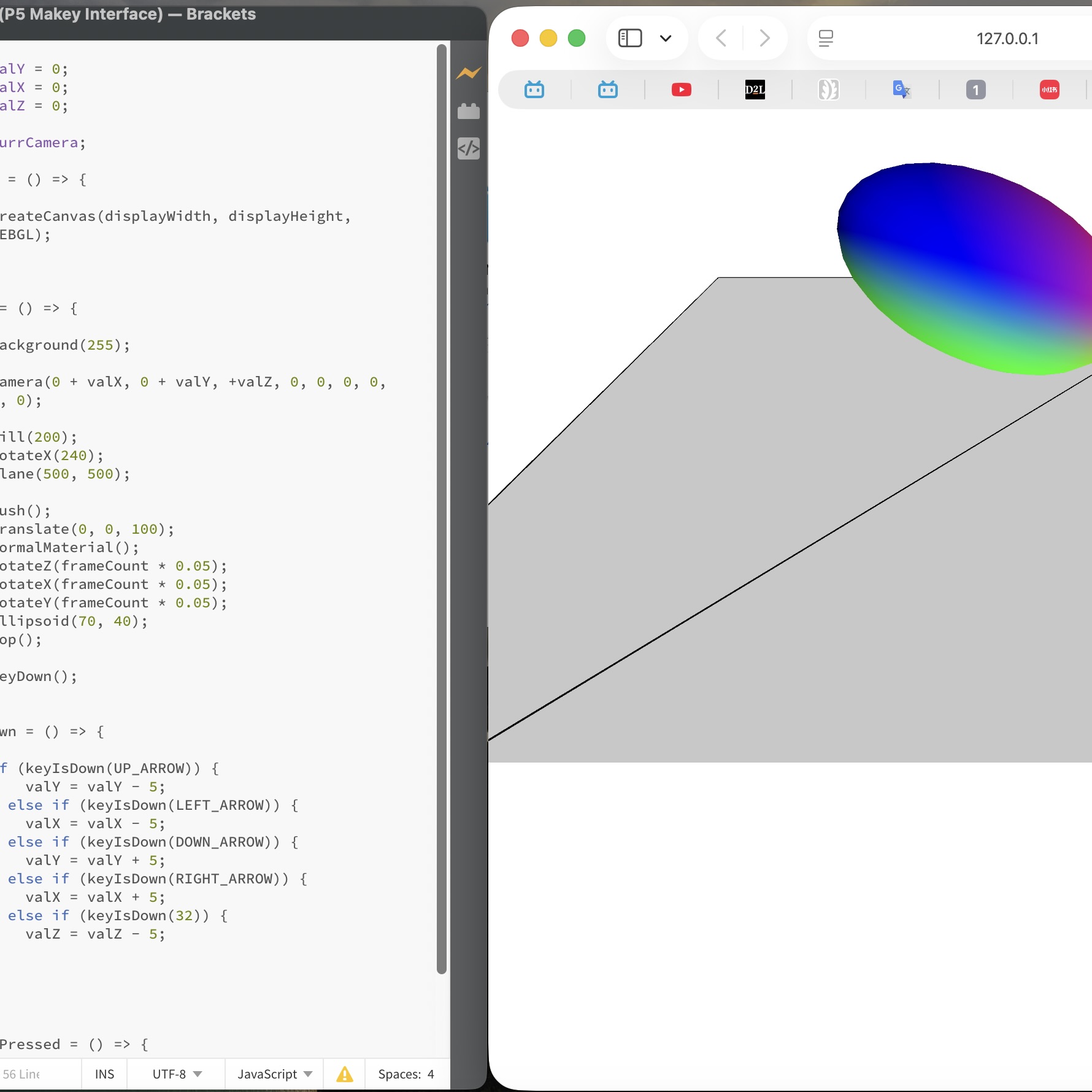
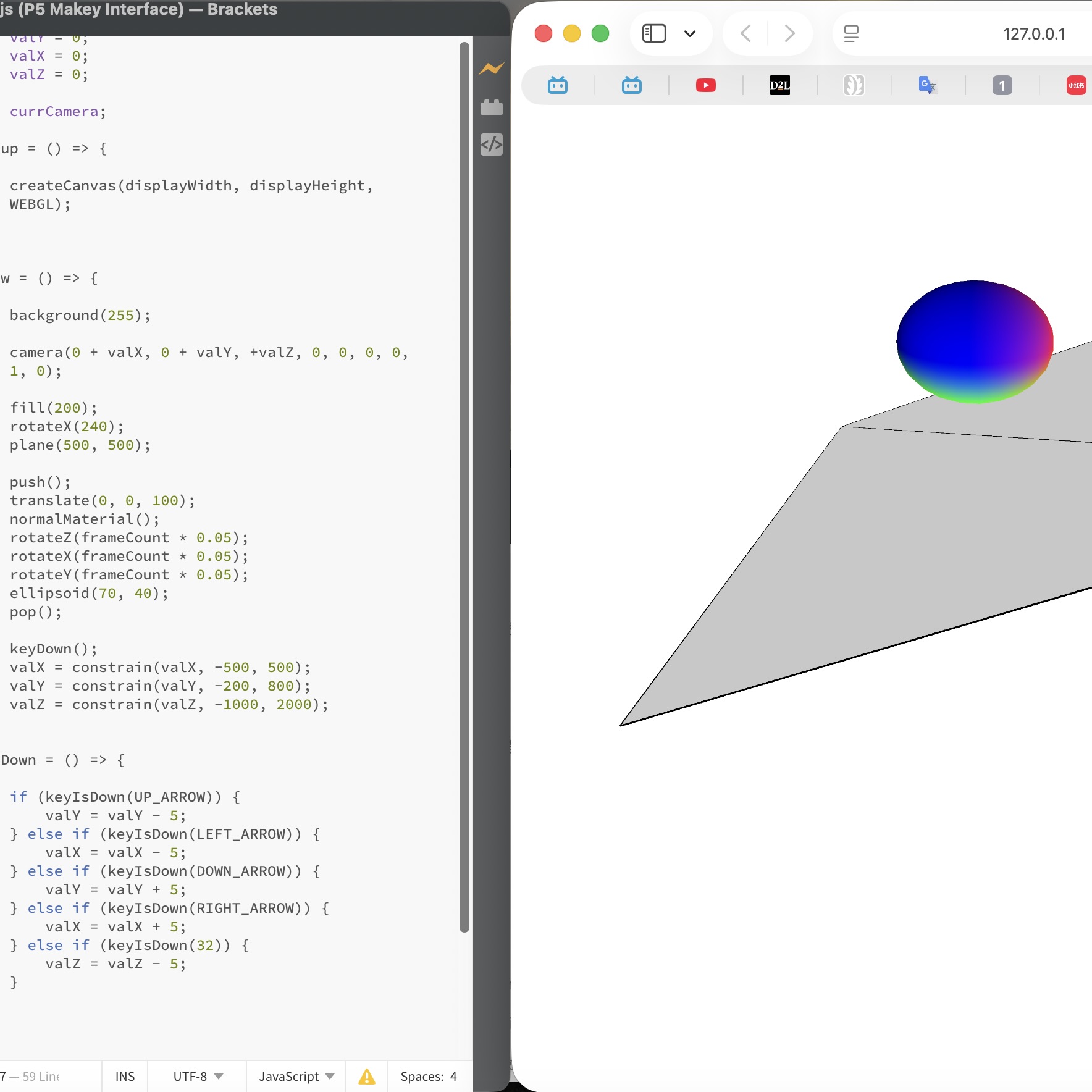
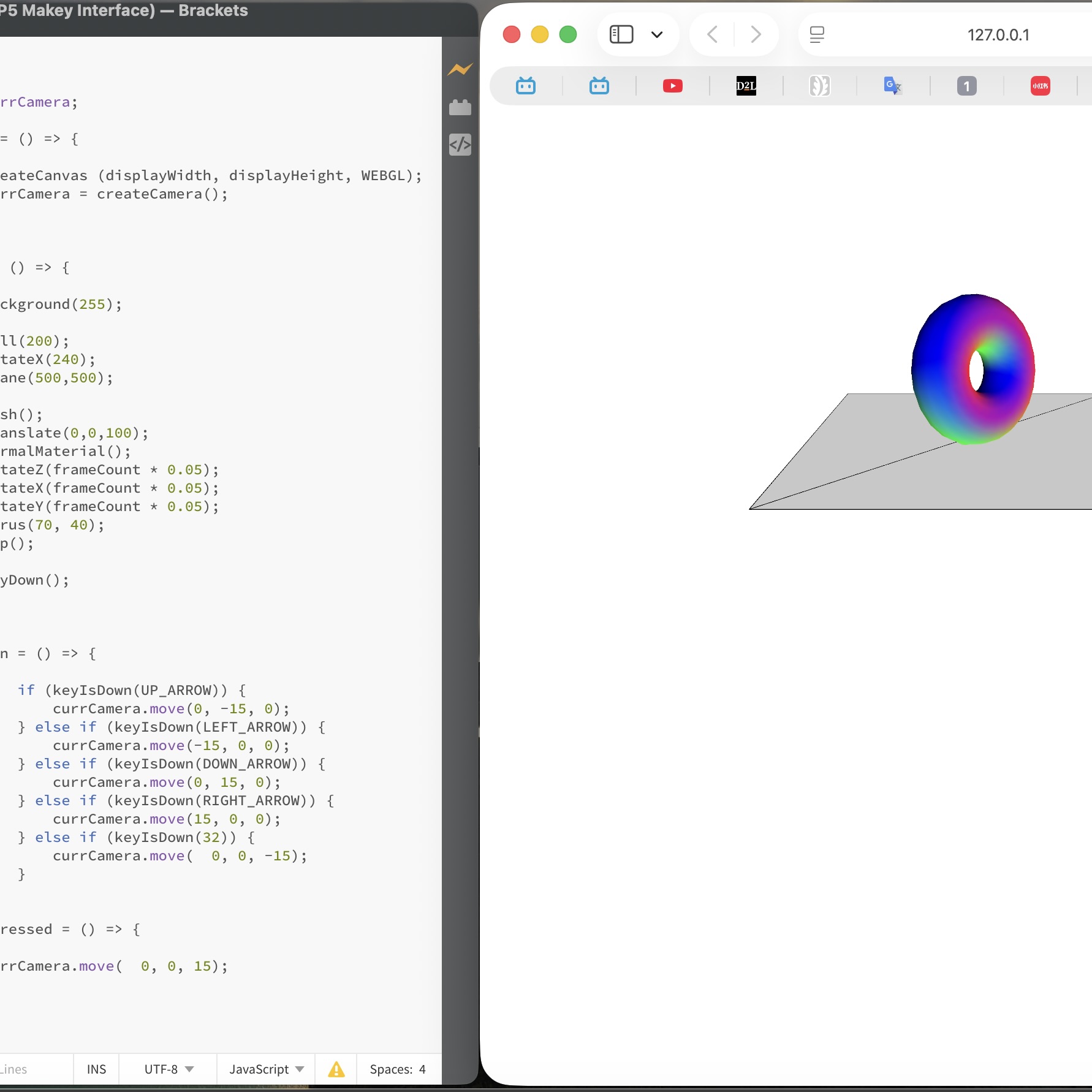
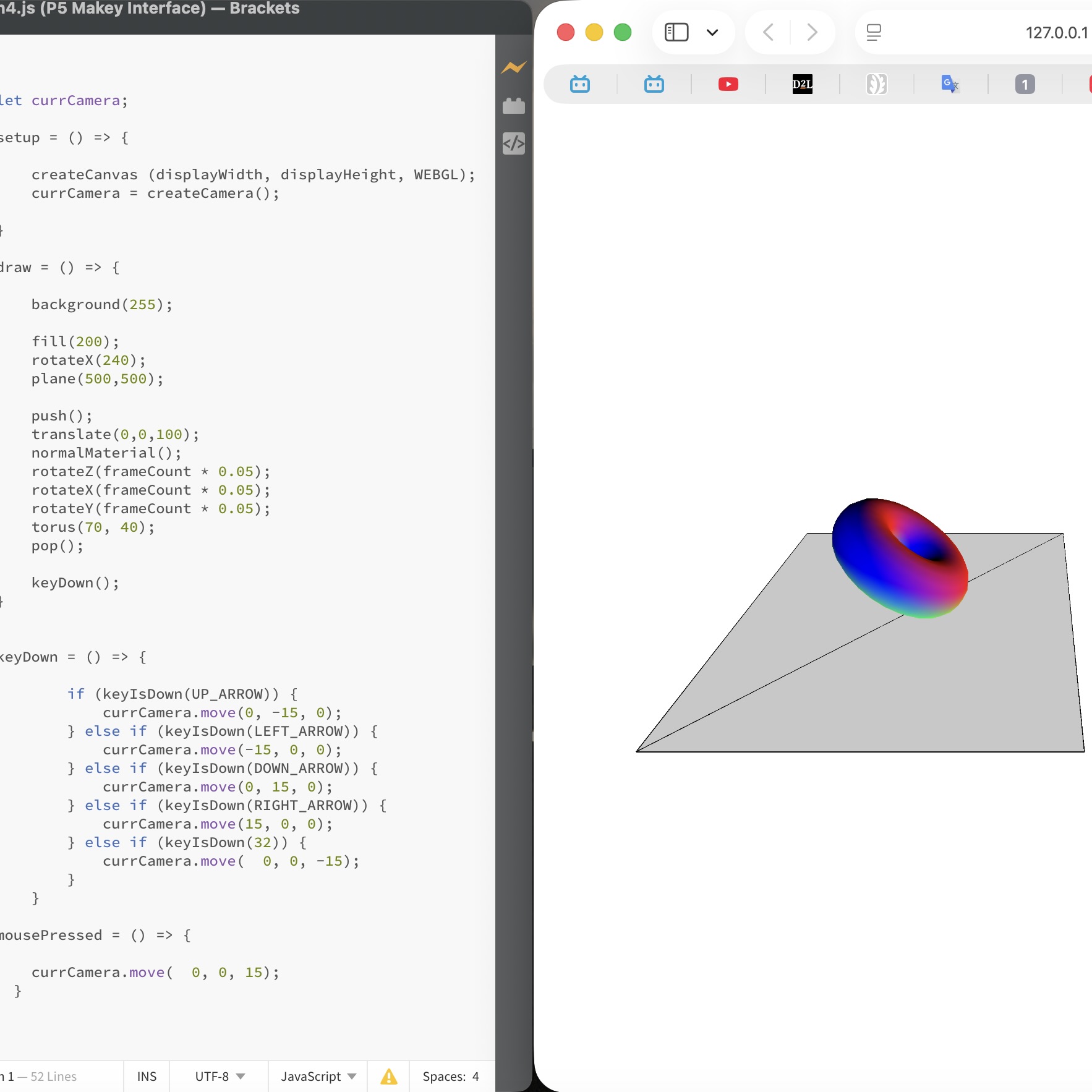
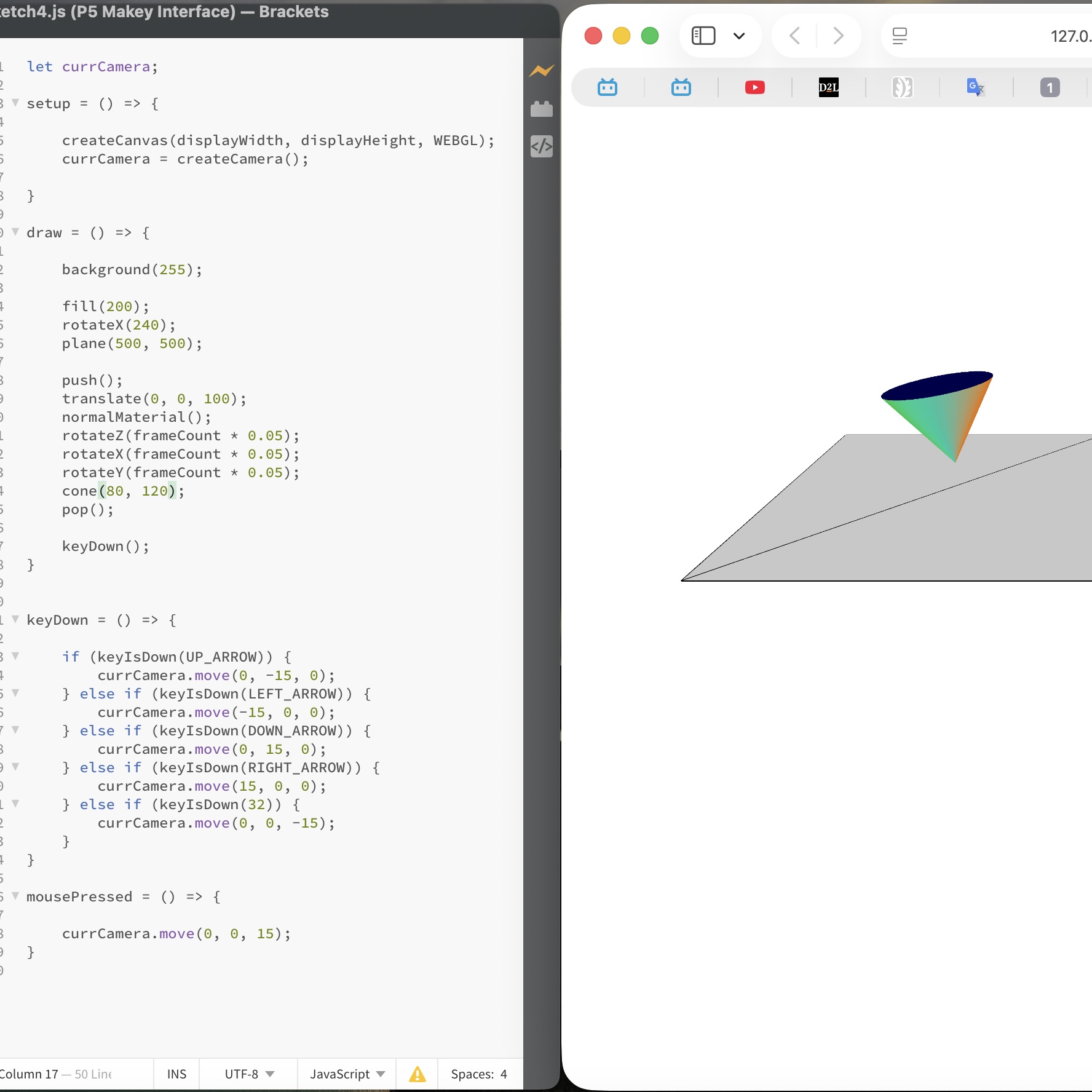
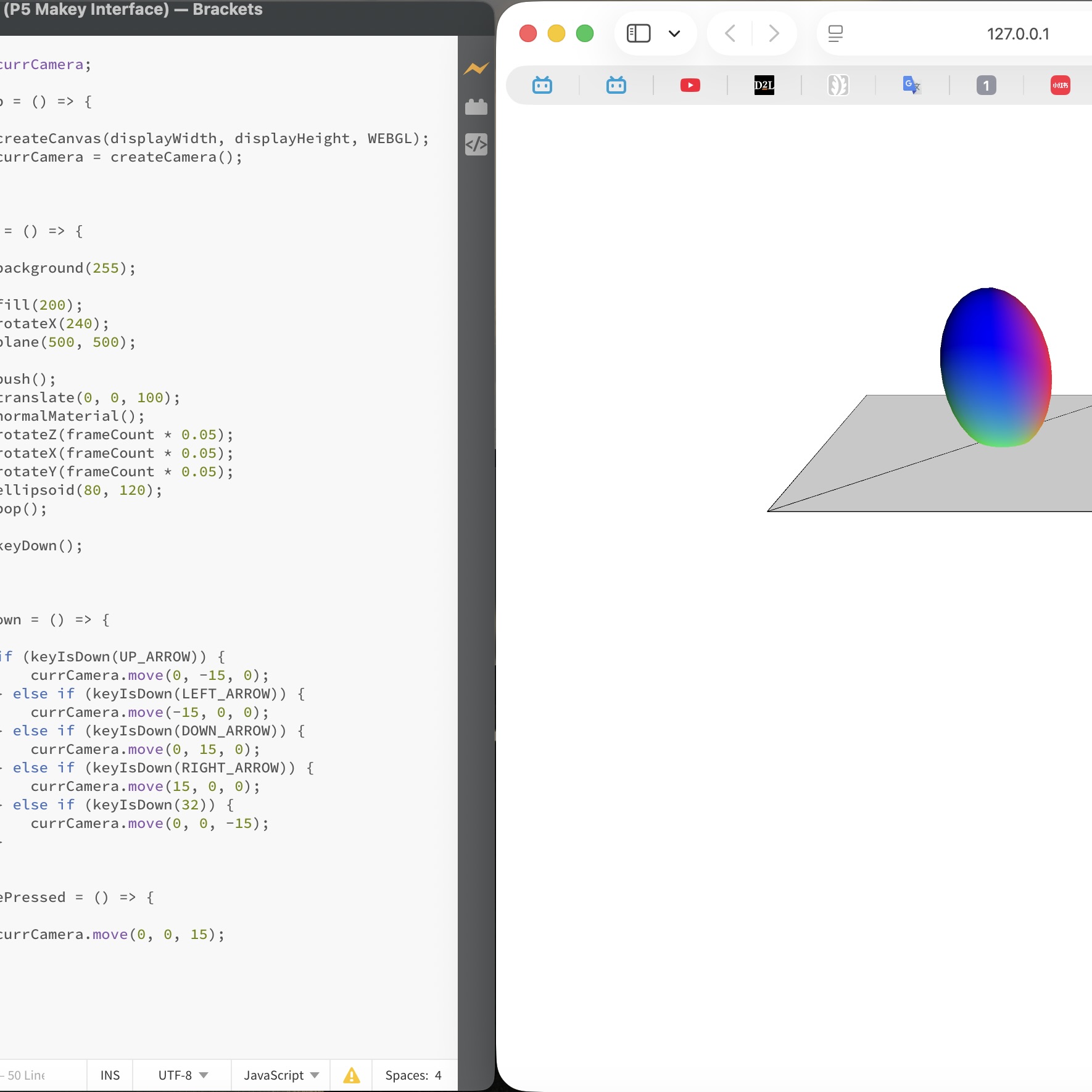
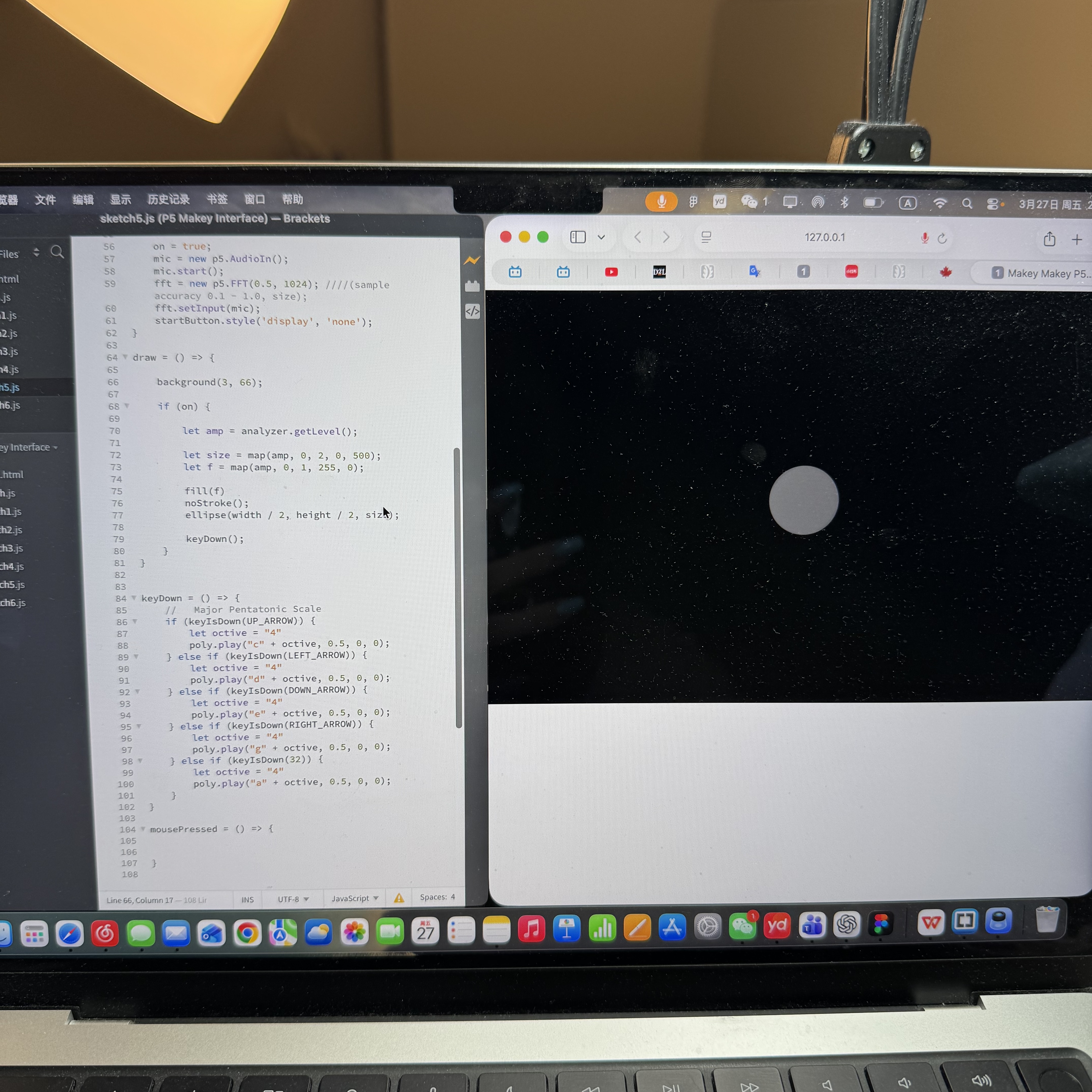
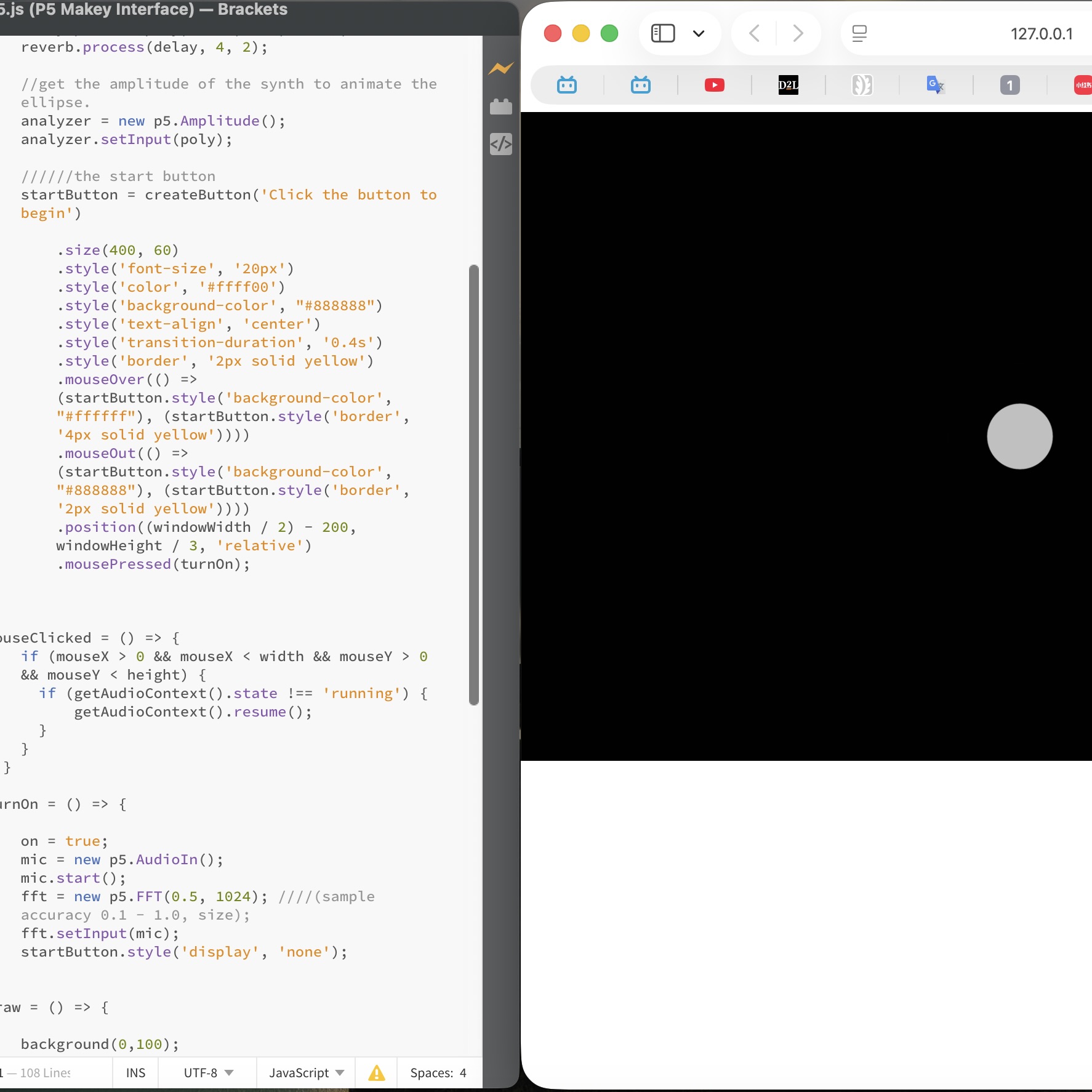
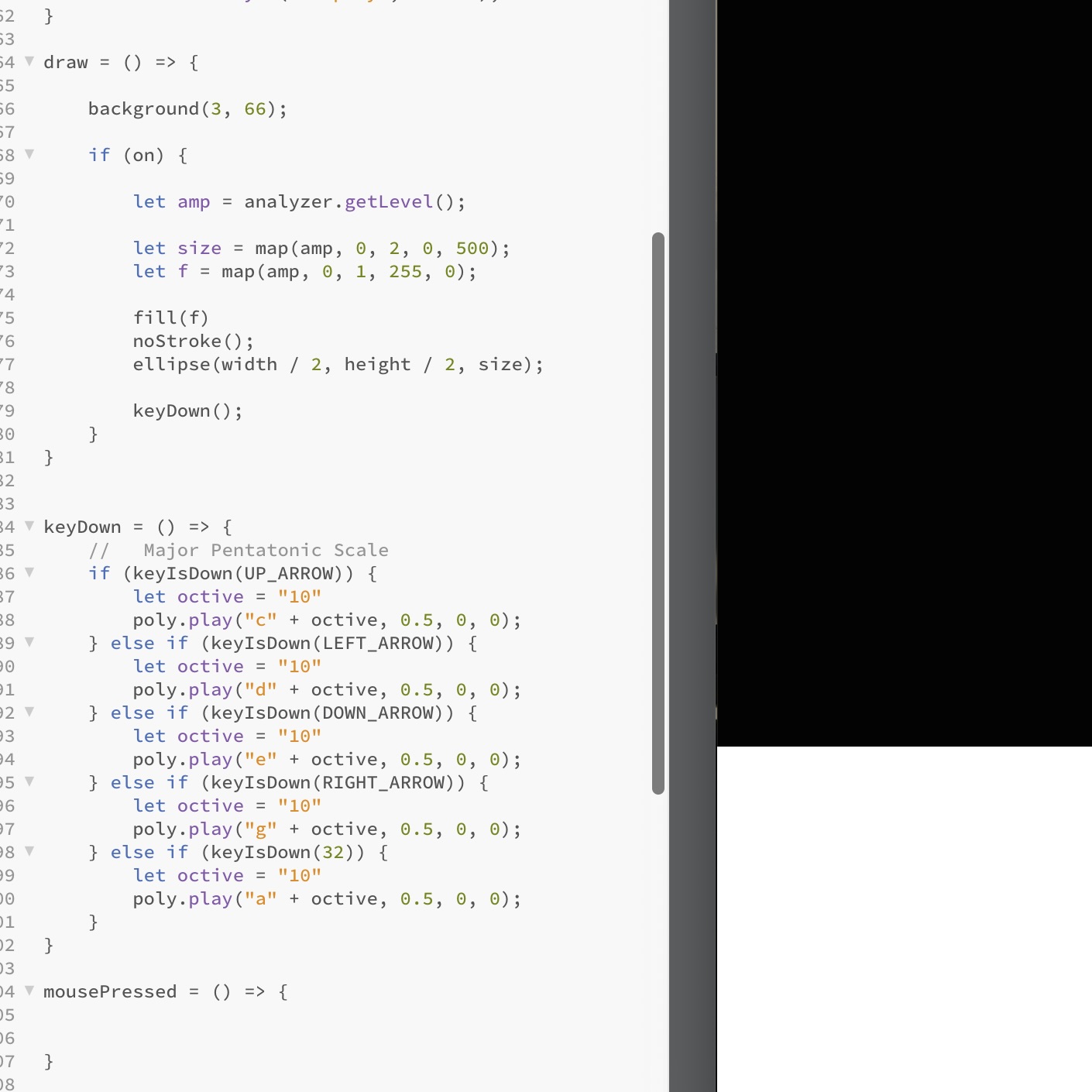
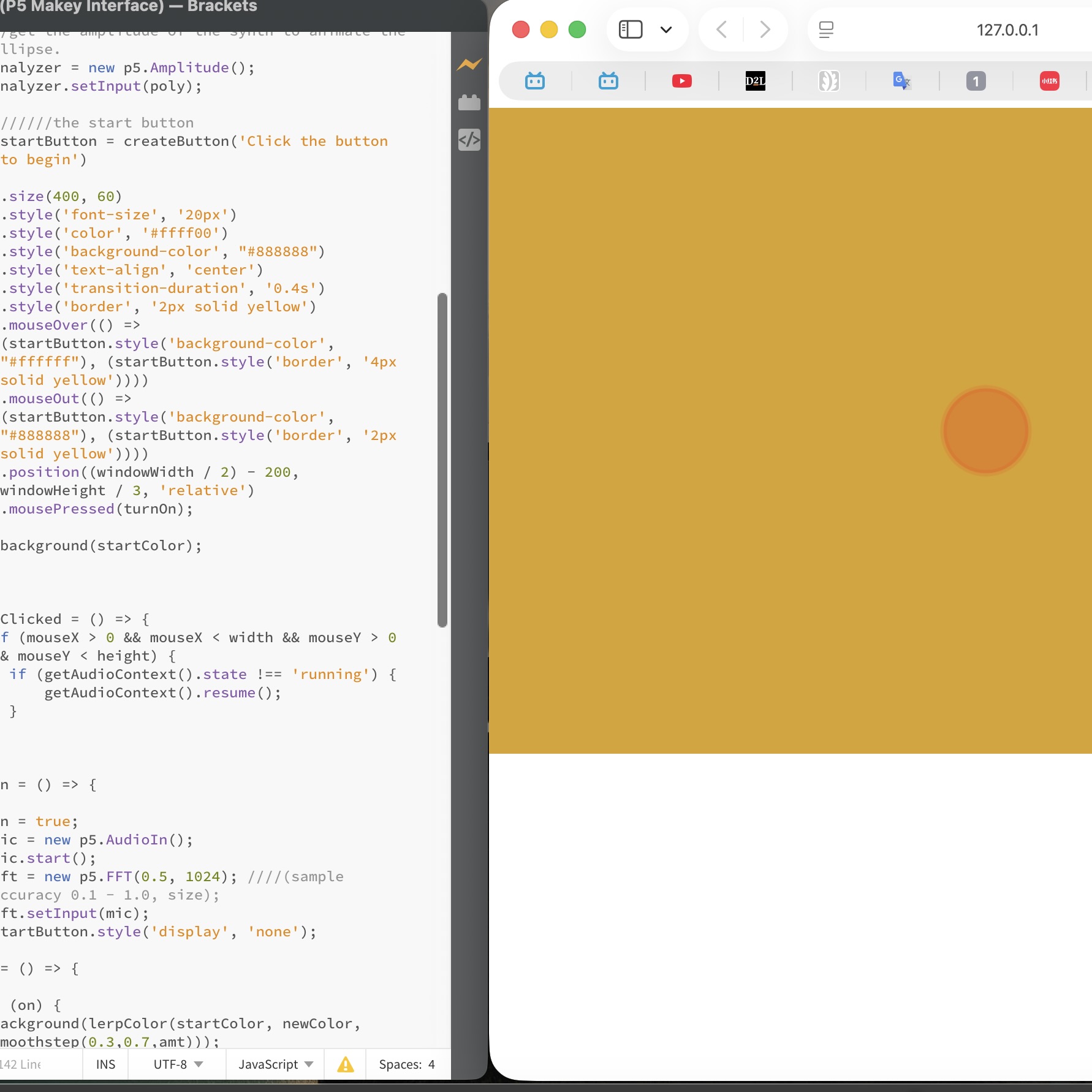
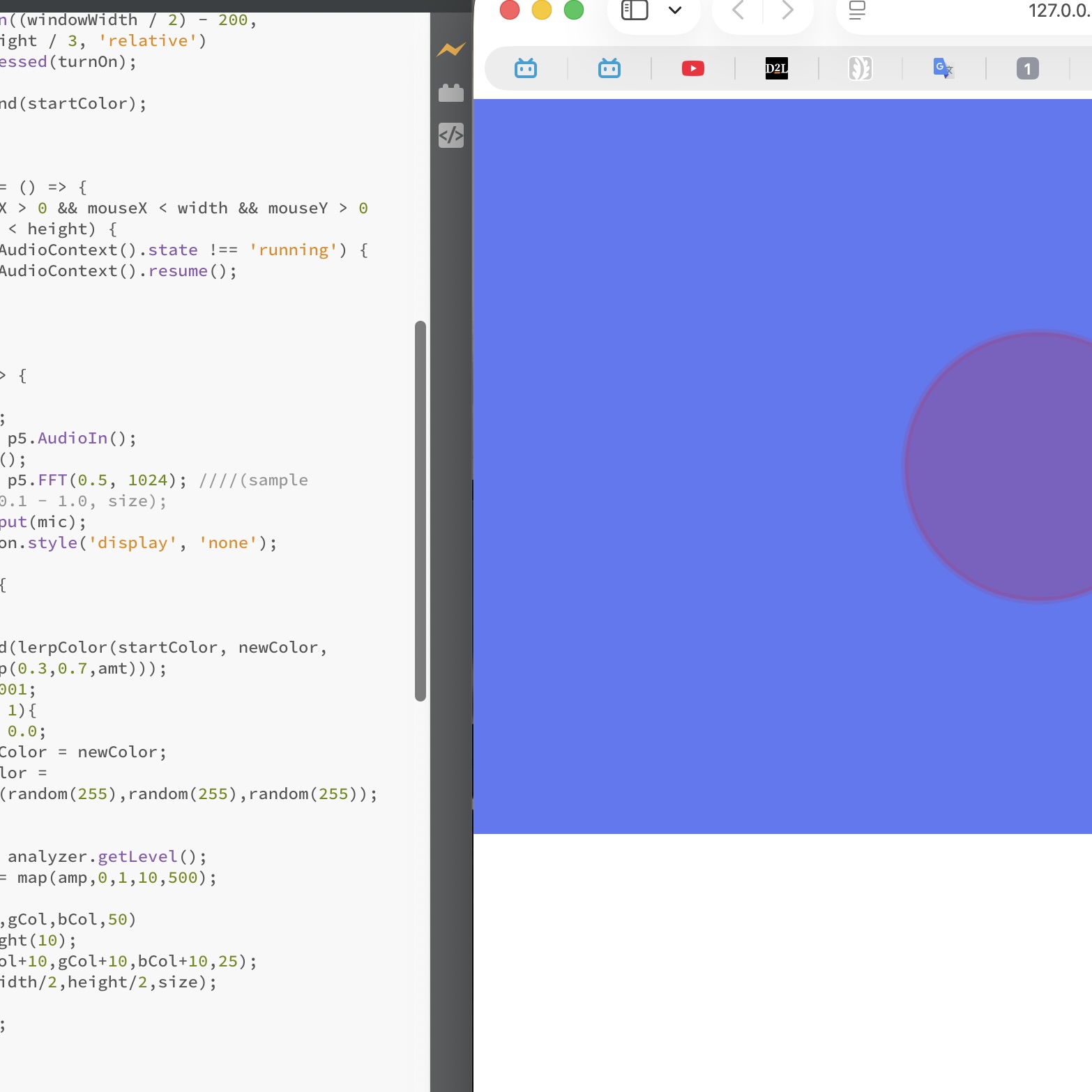
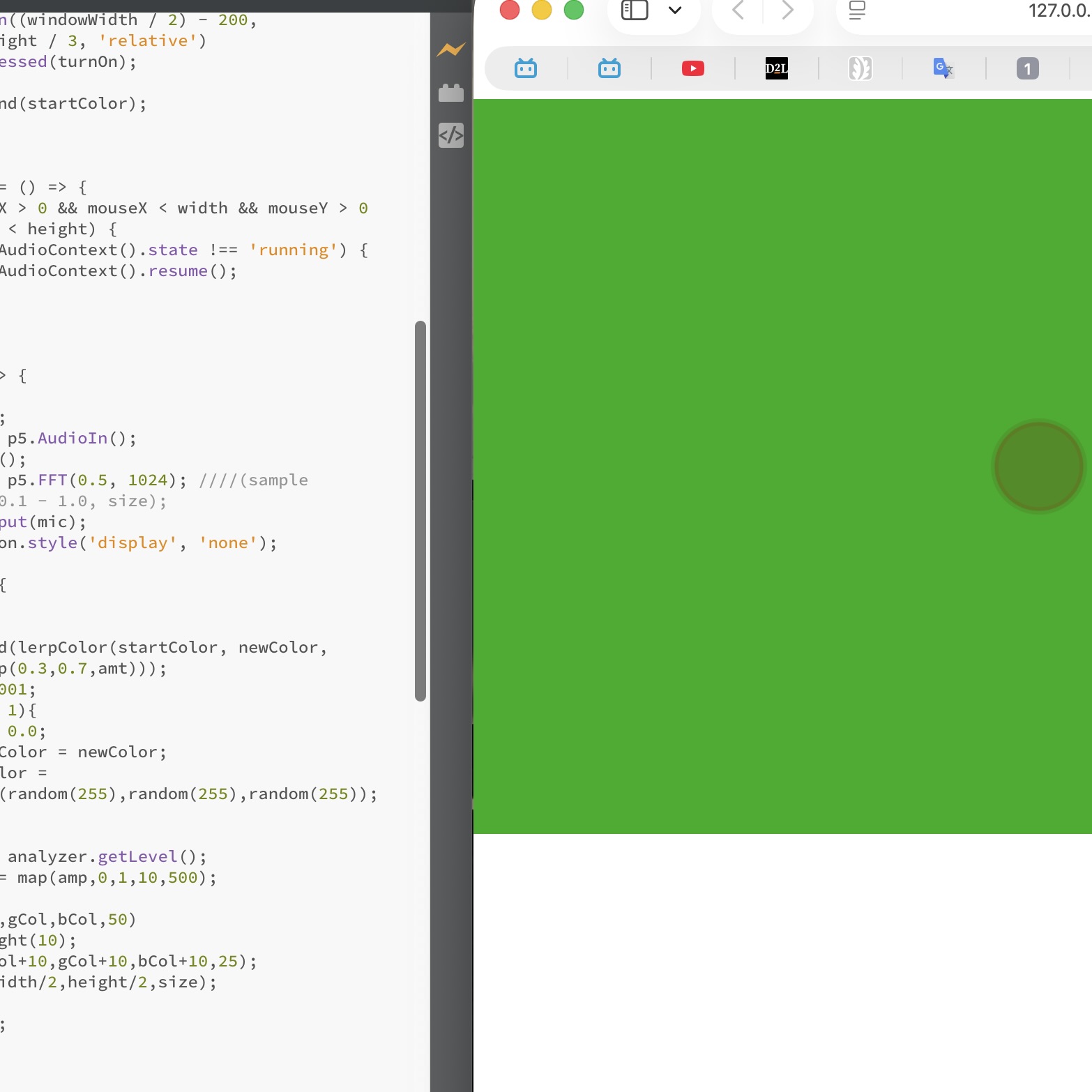
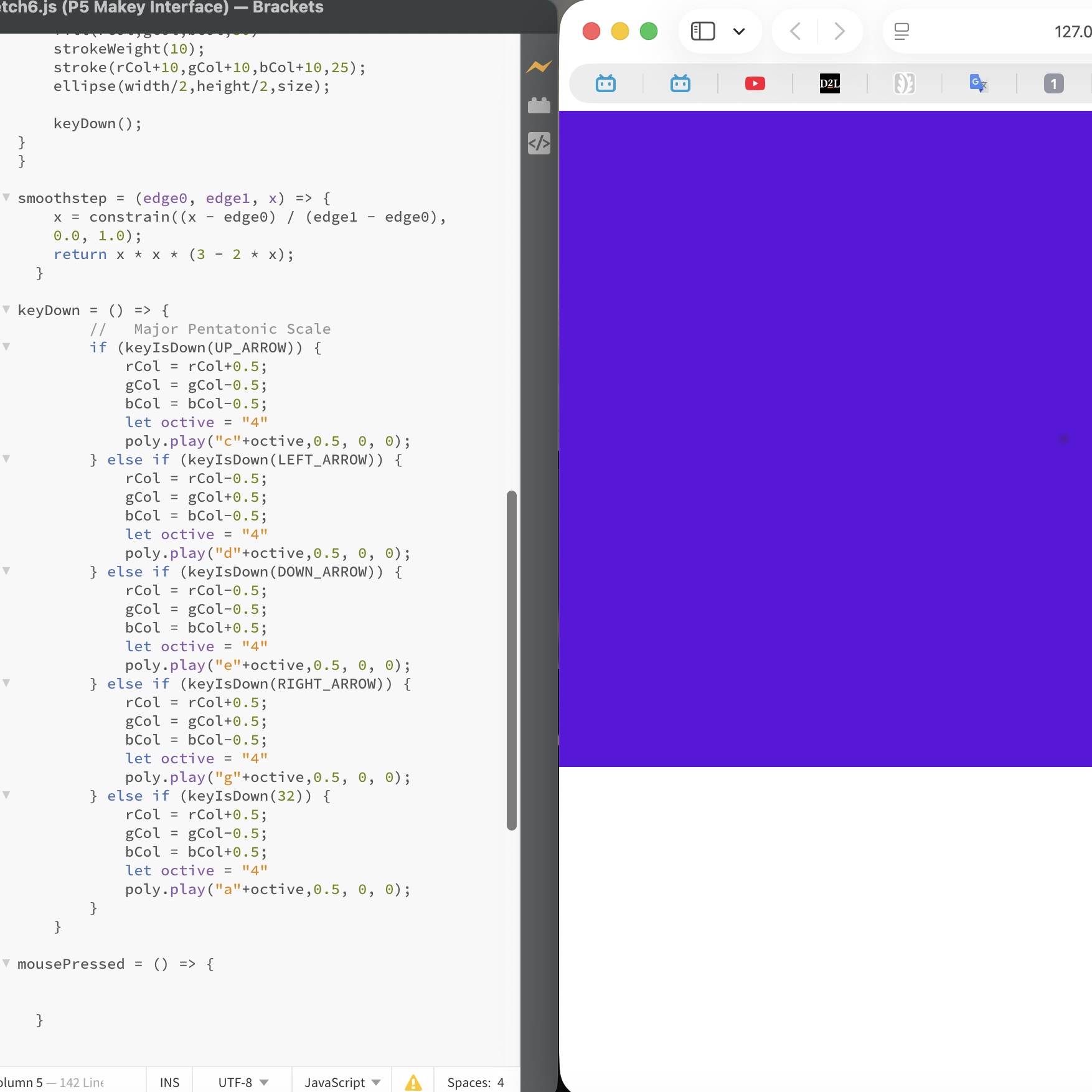
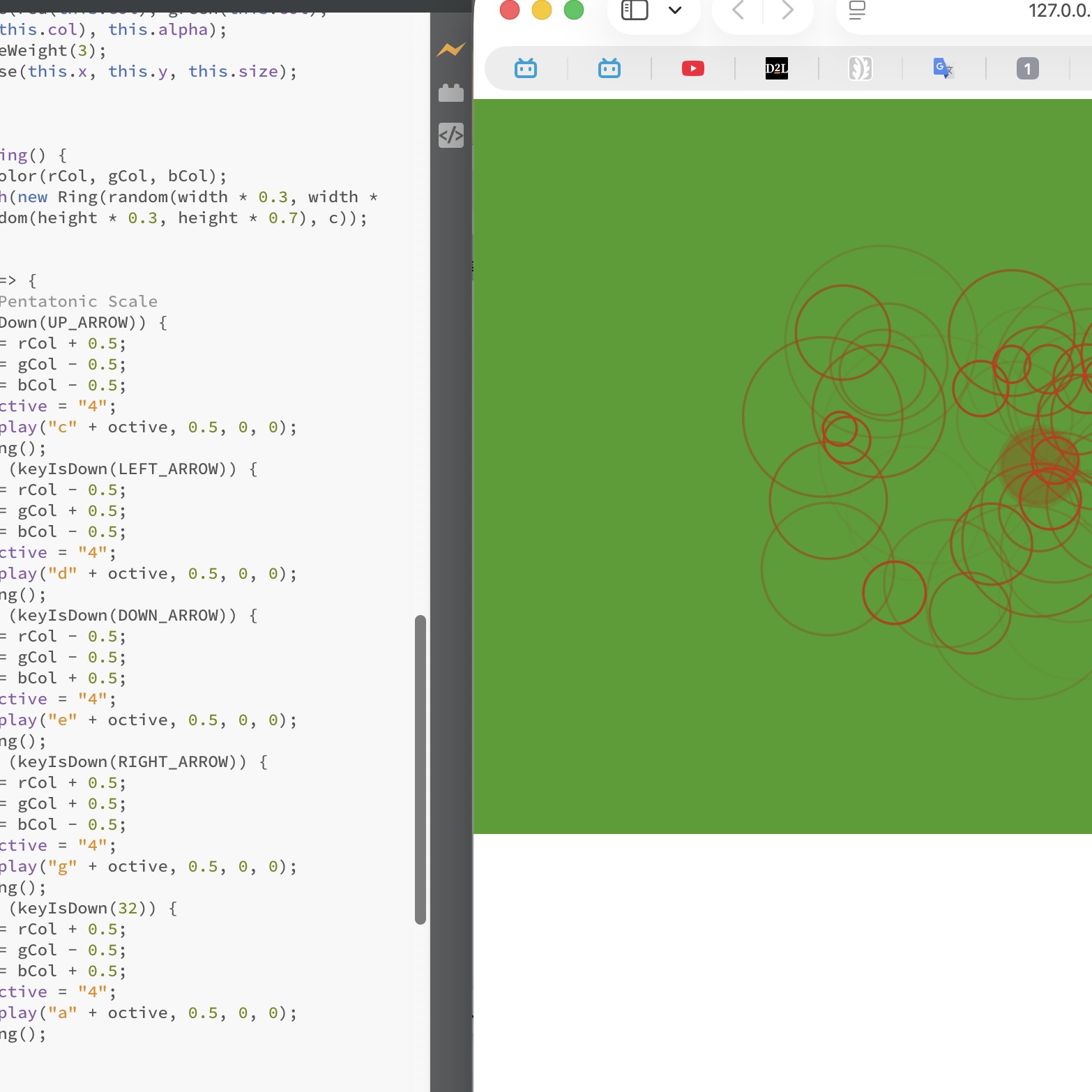
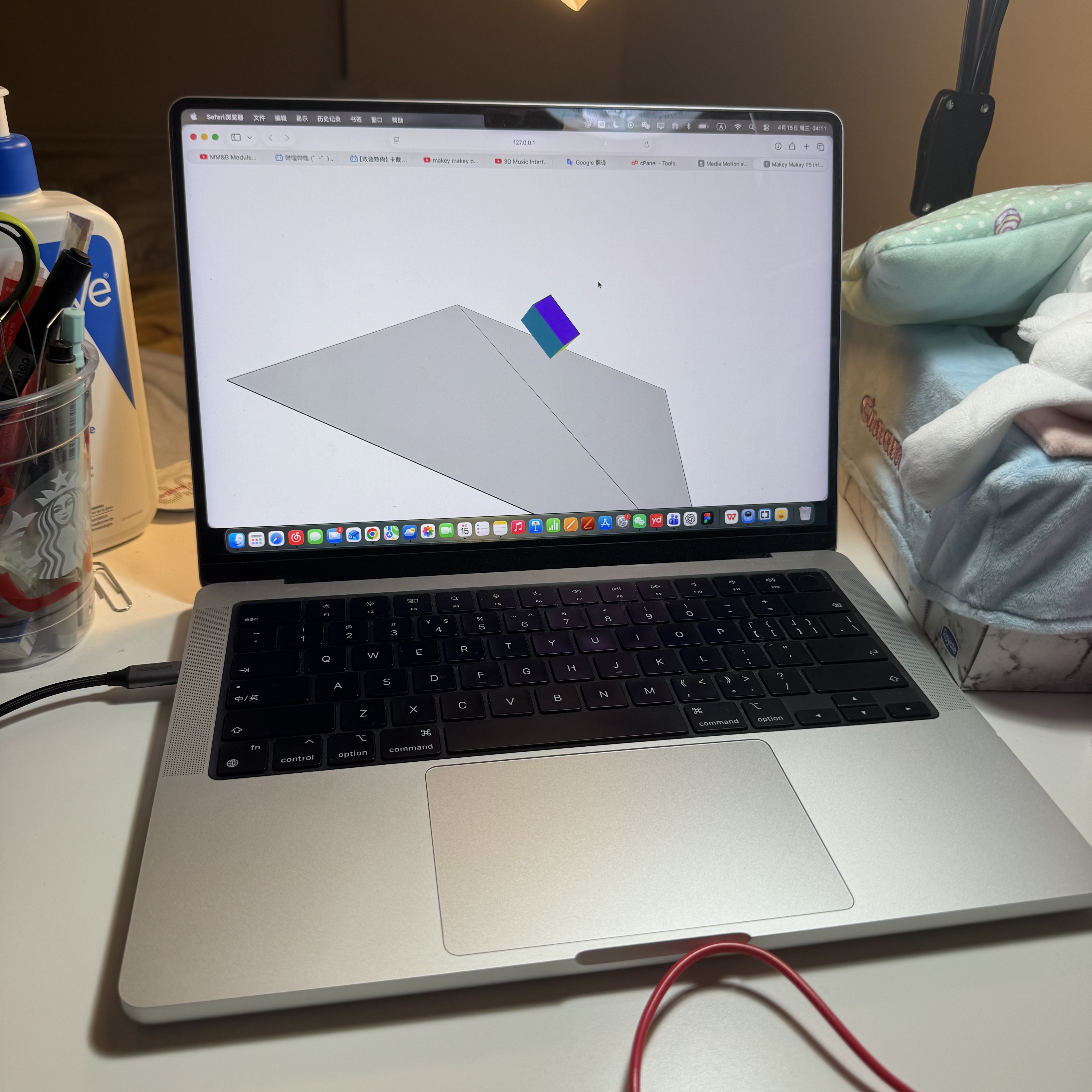
Activating the "sketch" file: I clicked the down arrow and the box became yellow I clicked left arrow and the box became red Activating the sketch 1 file Moving the ellipse by clicking the arrow keys on Makey Makey I changed the colors of the background and the ellipse Moving the ellipse by clicking the arrow keys on Makey Makey. I added codes for continuously moving it Activating sketch 2 file I changed the value of torus and the size was smaller I changed the torus to a box Rotating the box by clicking the arrow keys on Makey Makey Activating the sketch 3 file I changed the torus to an ellipsoid Rotating the ellipsoid Activating the sketch 4 file Rotating the torus I changed the torus to a cone, and also the value of its size I adjusted the bottom surface Activating the sketch 5 file Activating the sketch 5 file Changing the value of the volume Activating  the sketch 6 file: At first it turned yellow Then it turned blue Then it turned green Then it turned purple I added codes for ripple effect

Activity 2
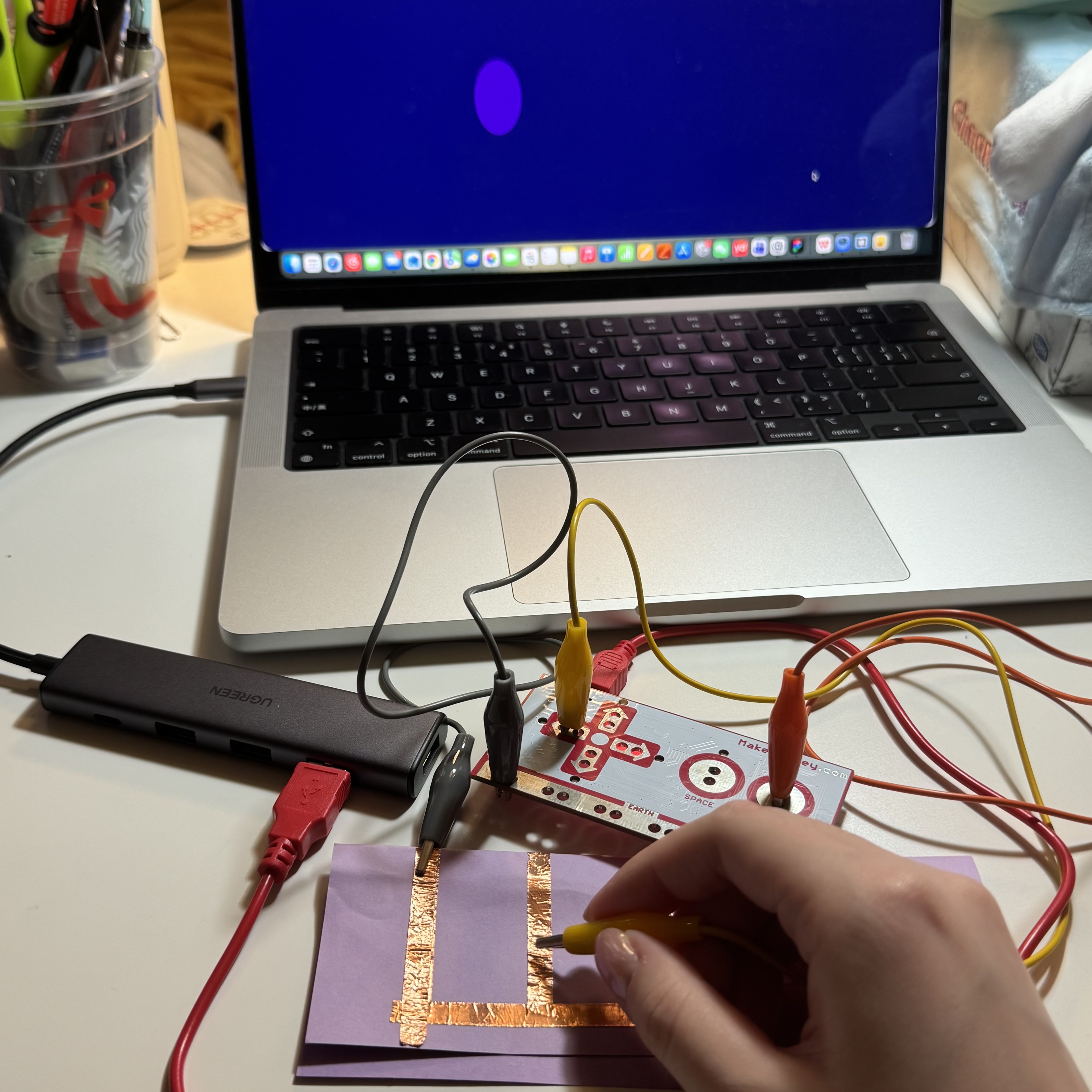
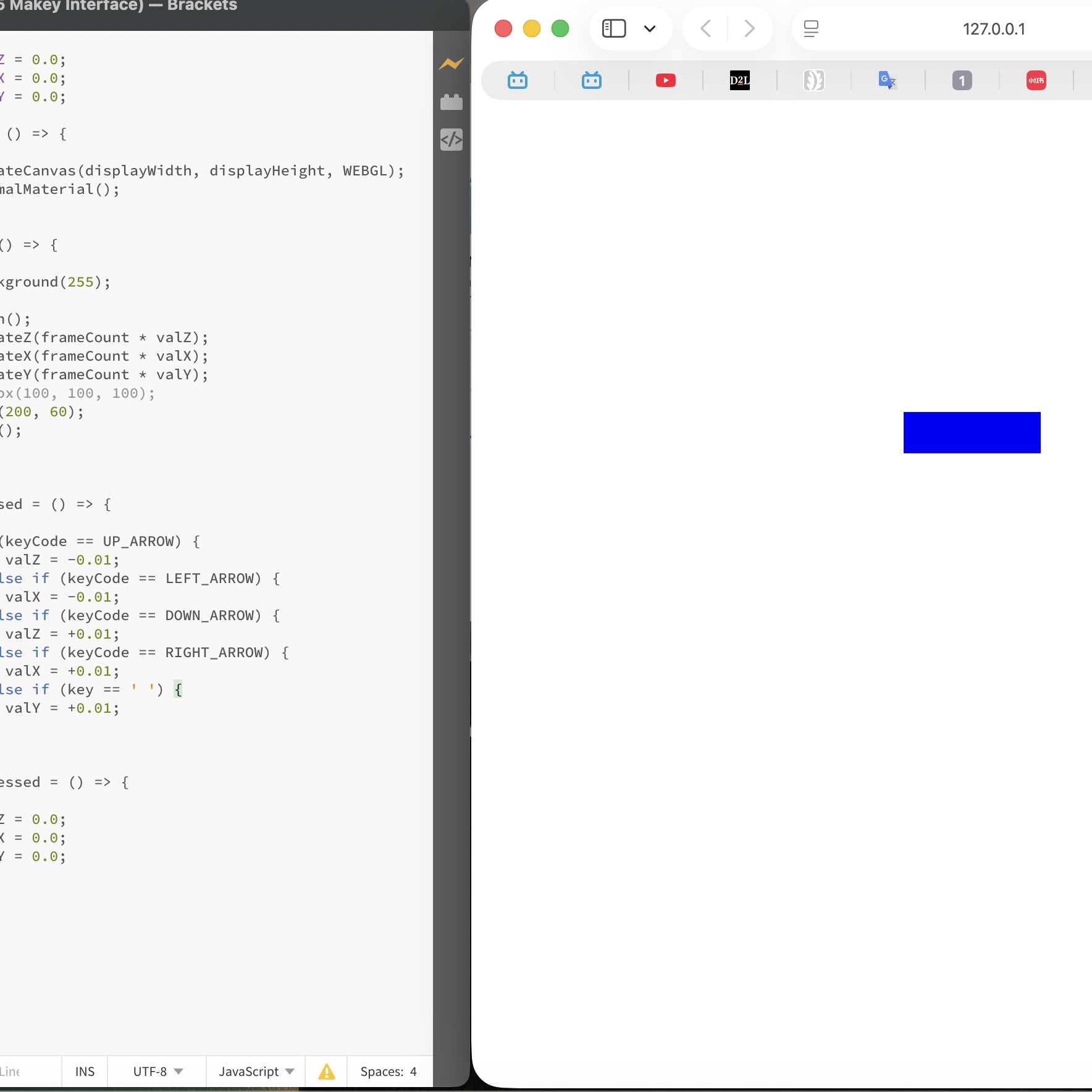
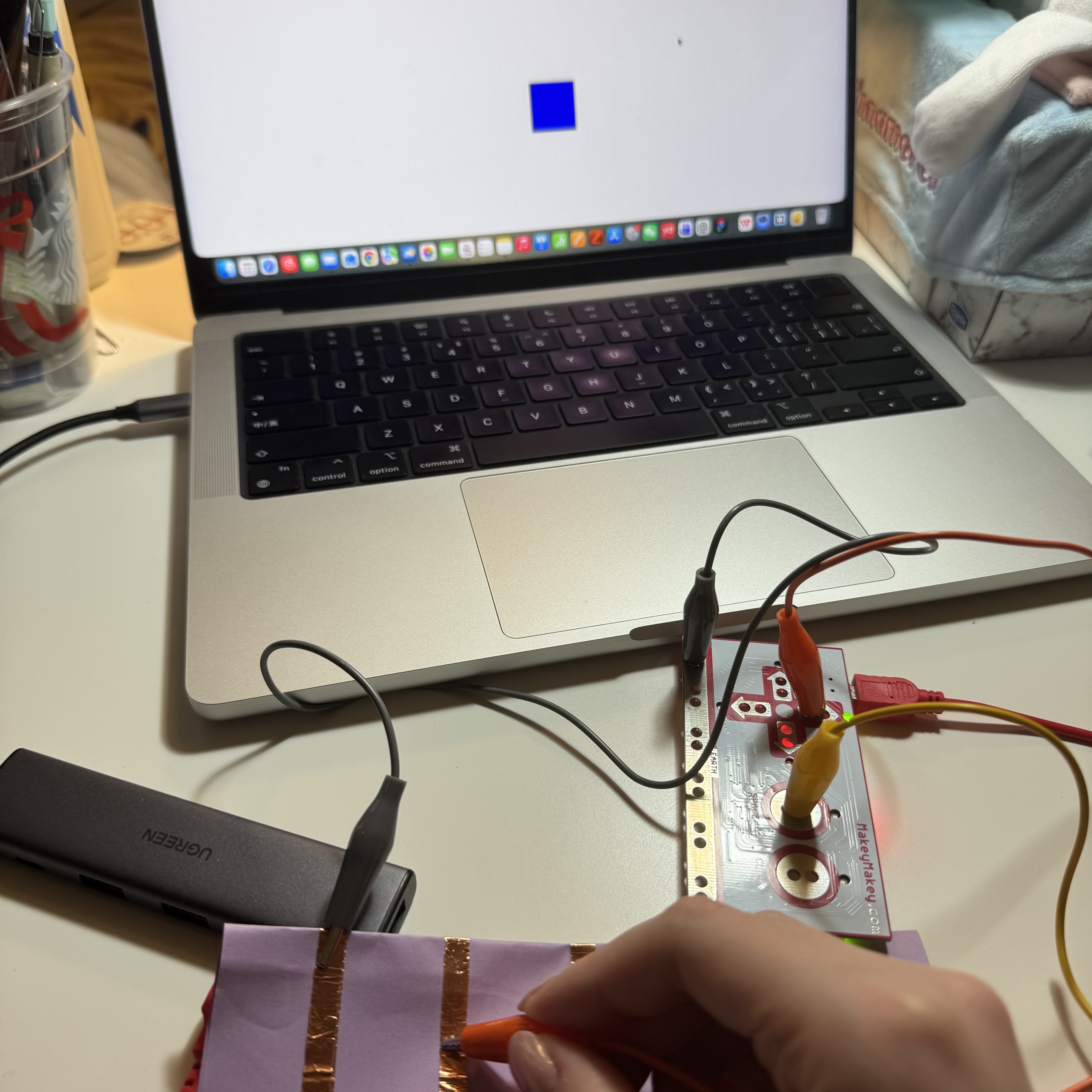
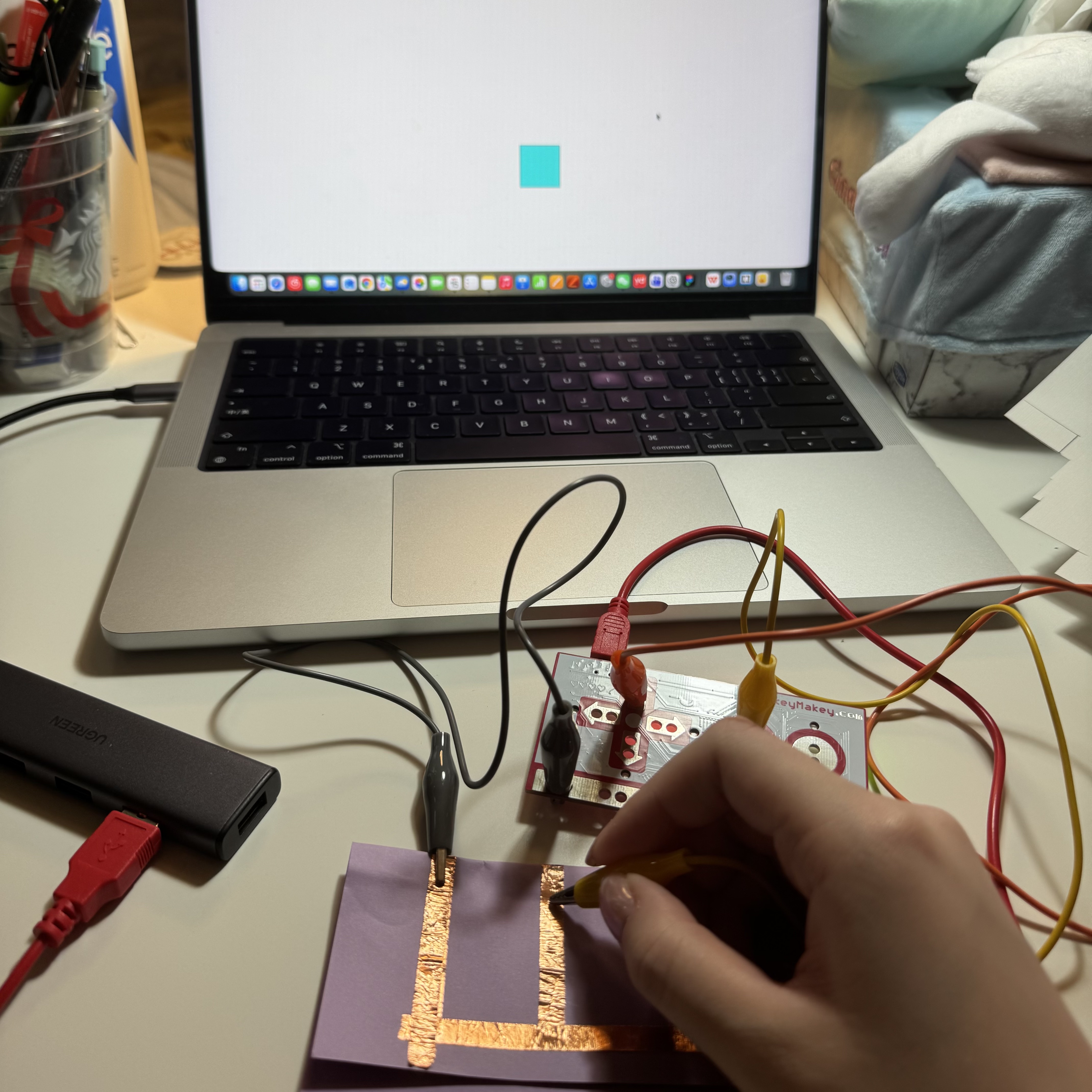
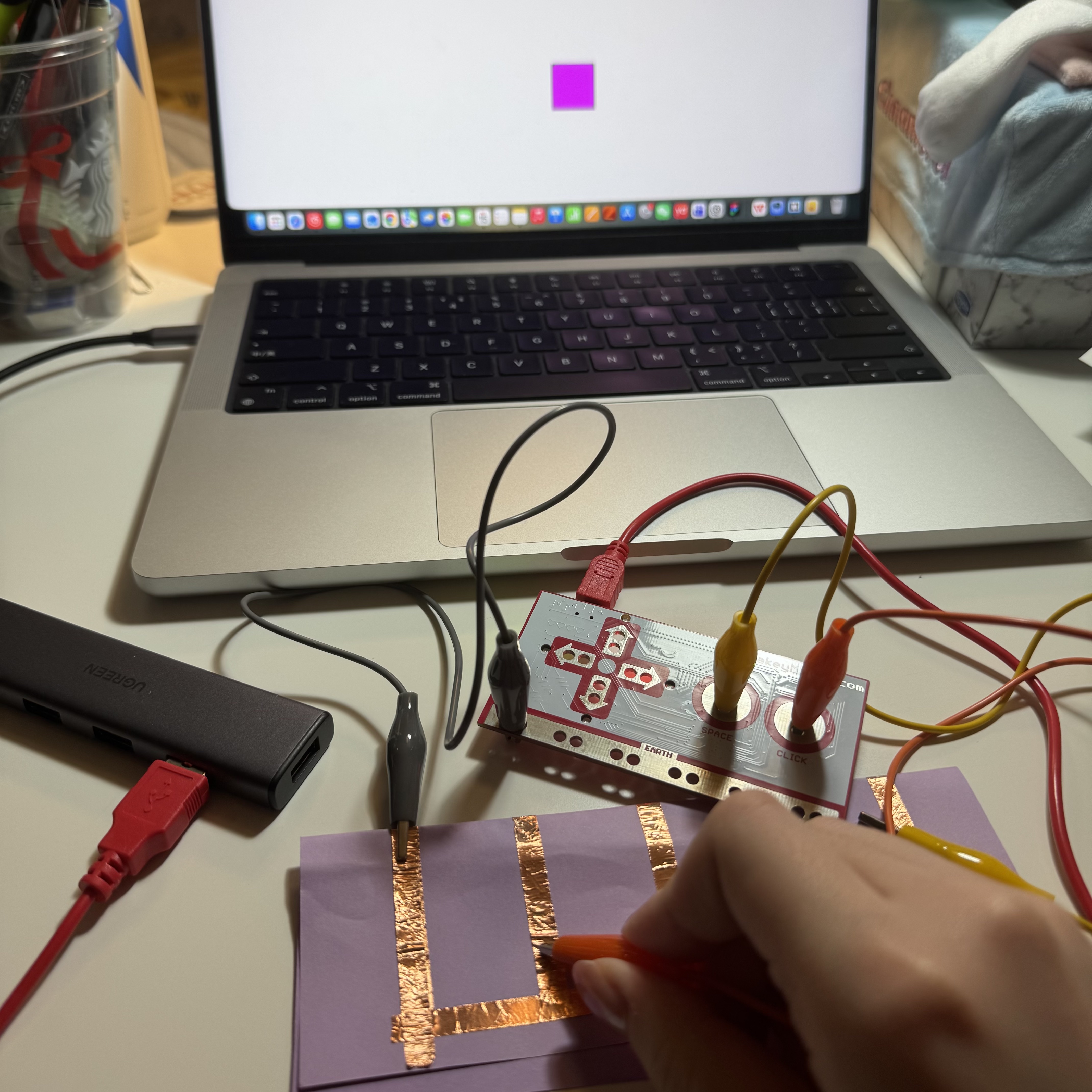
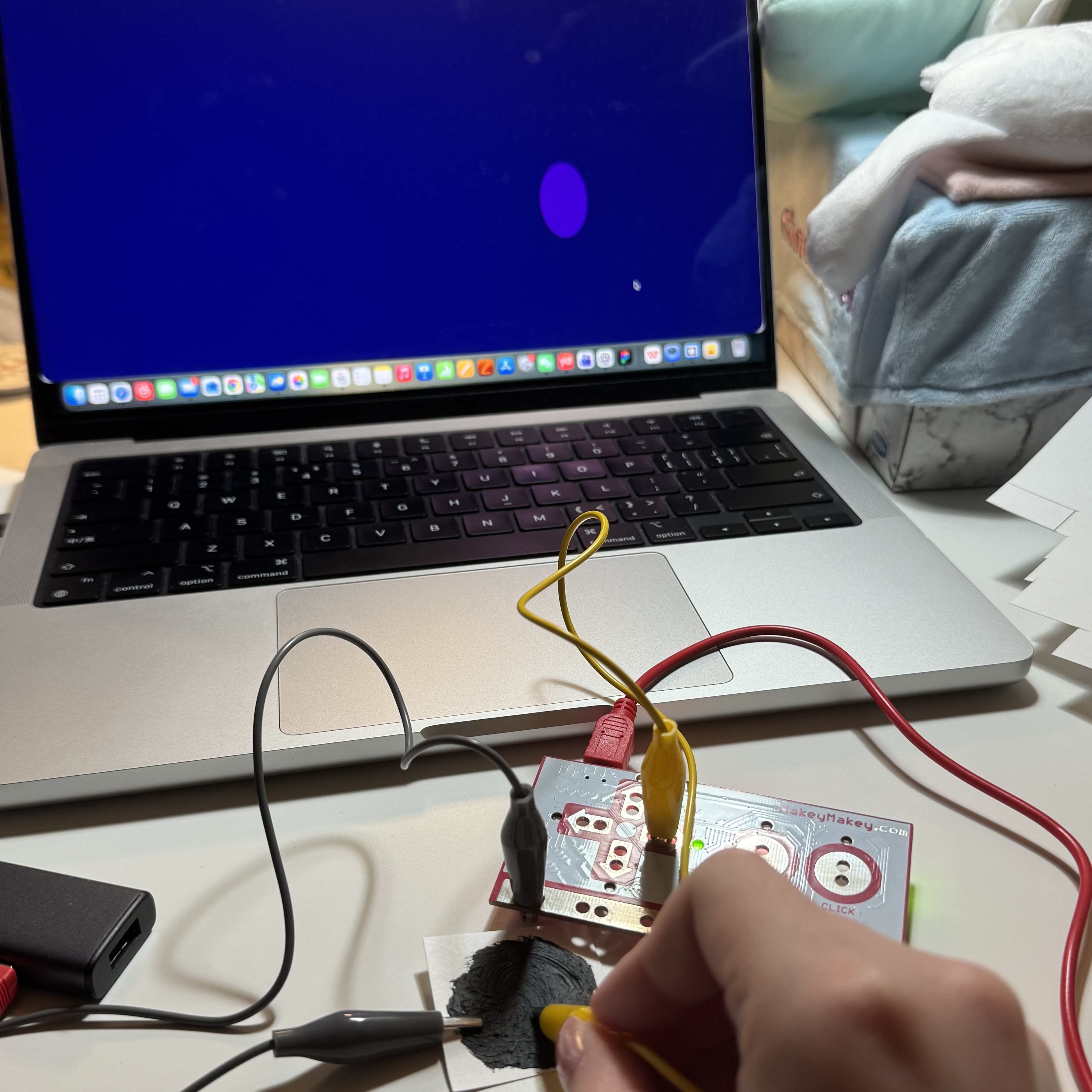
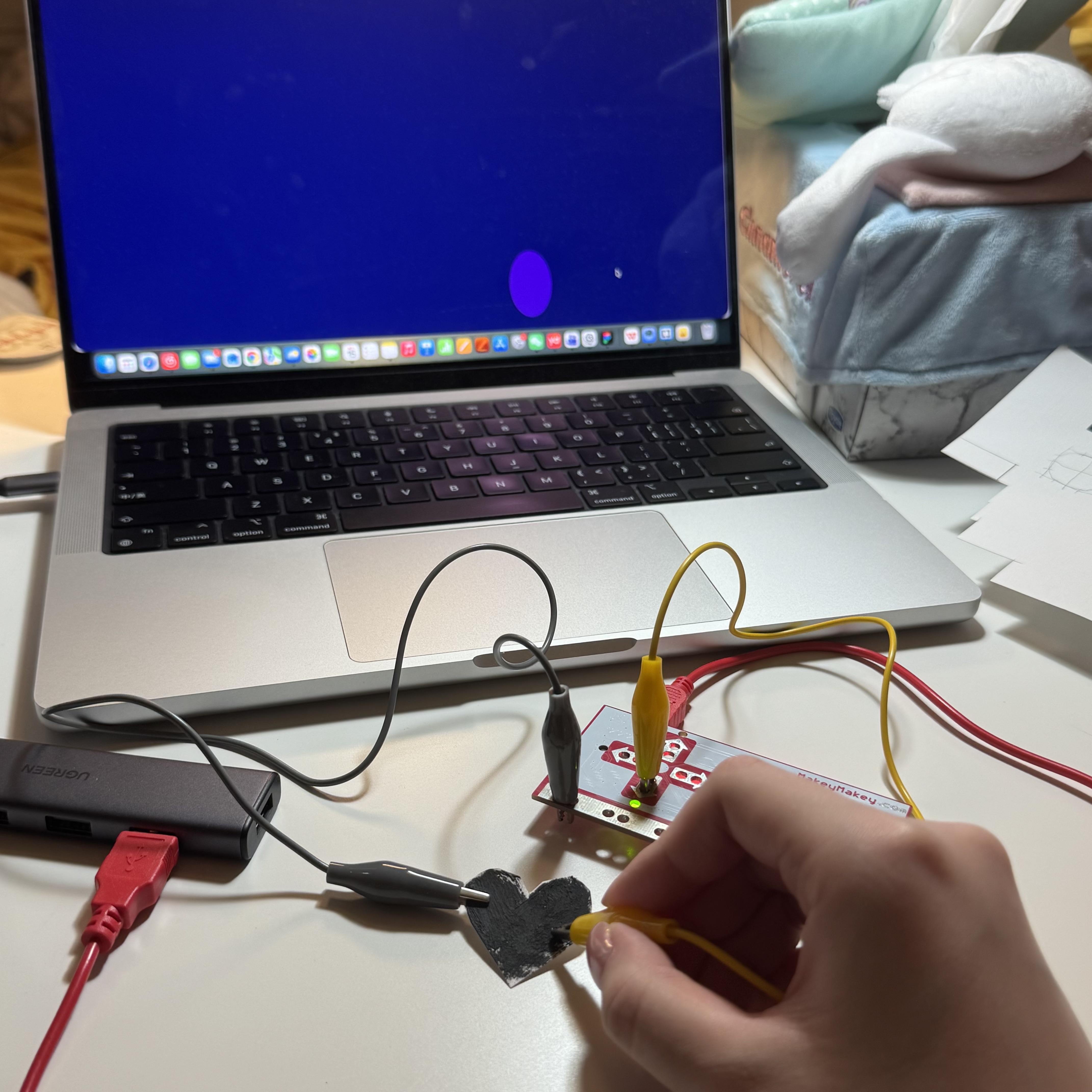
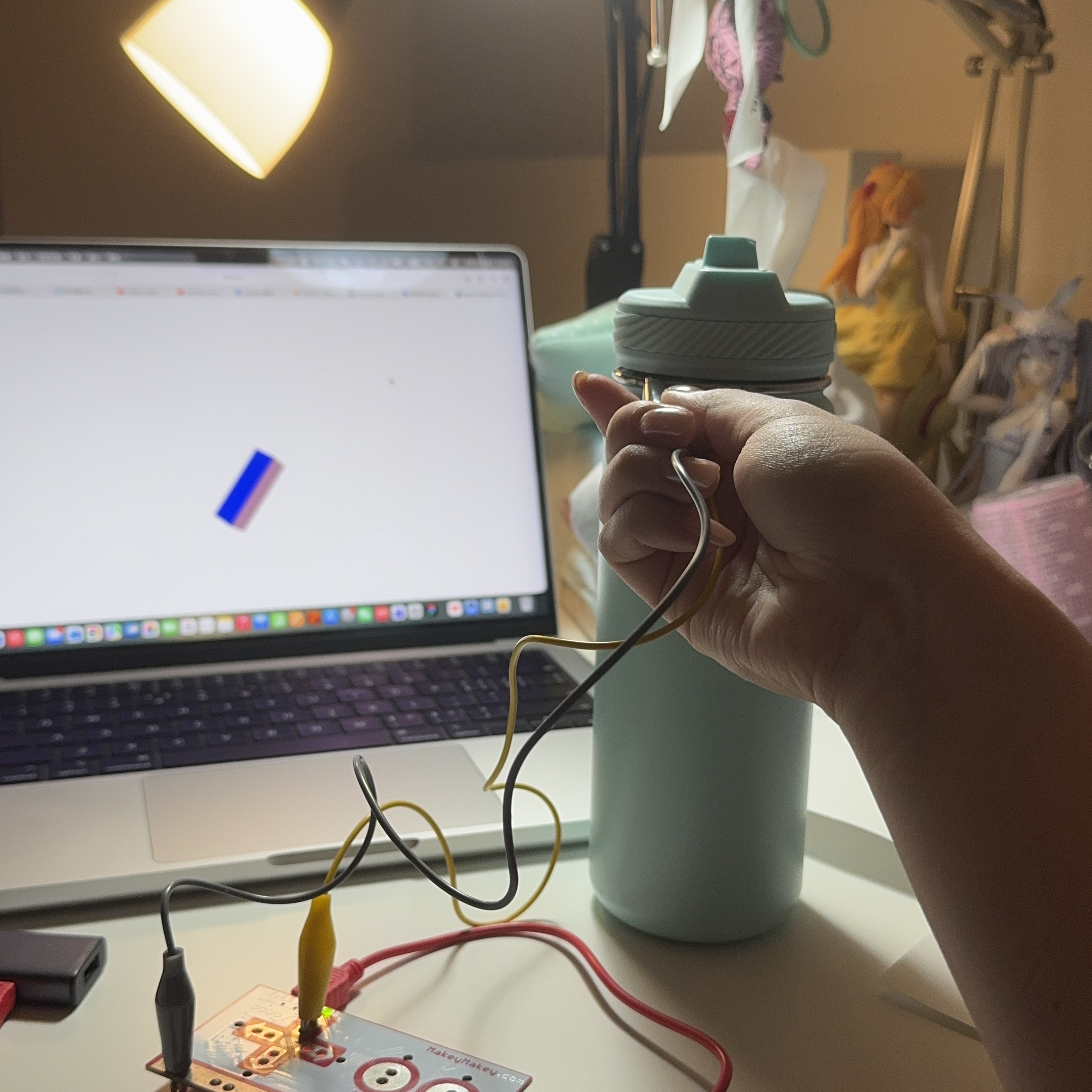
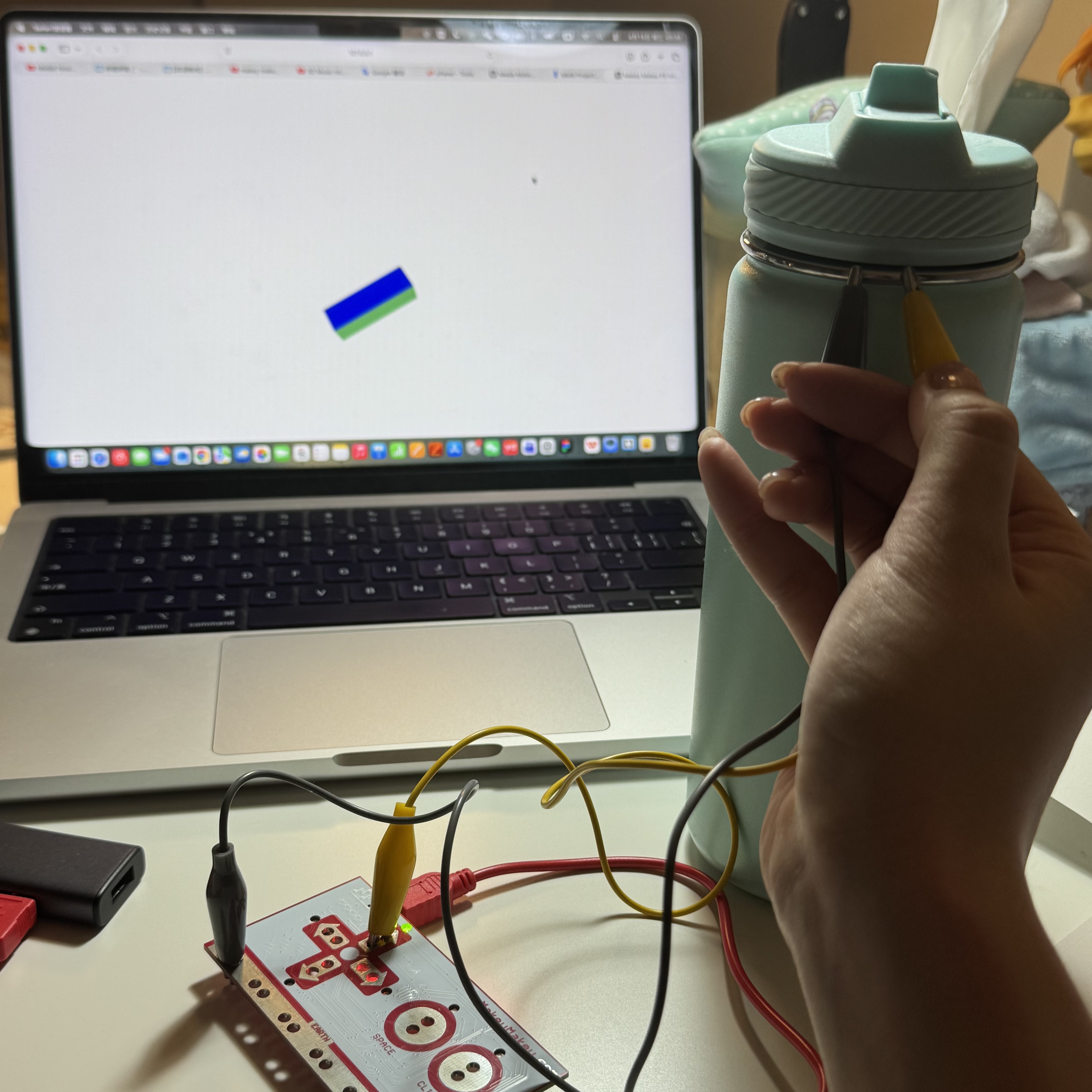
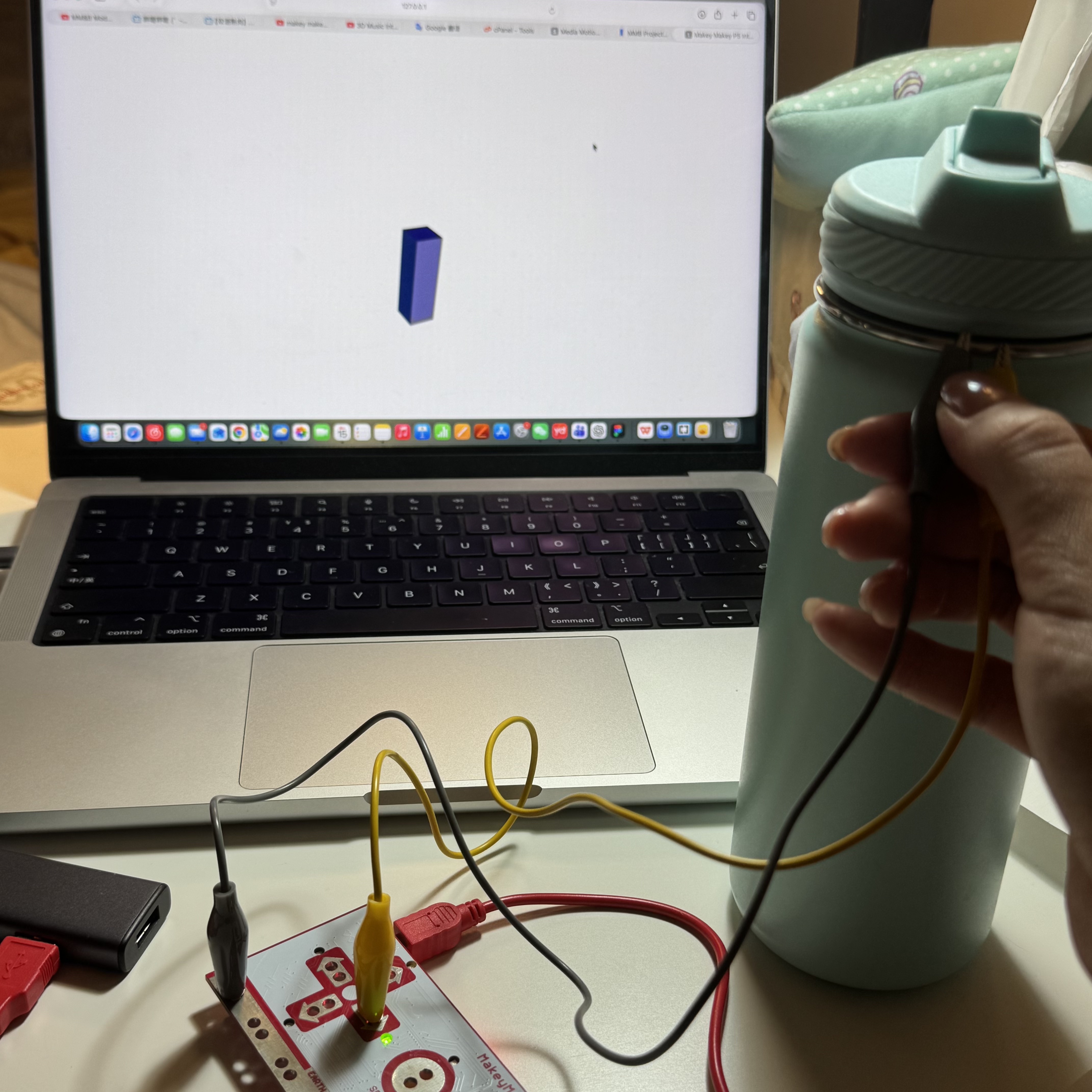
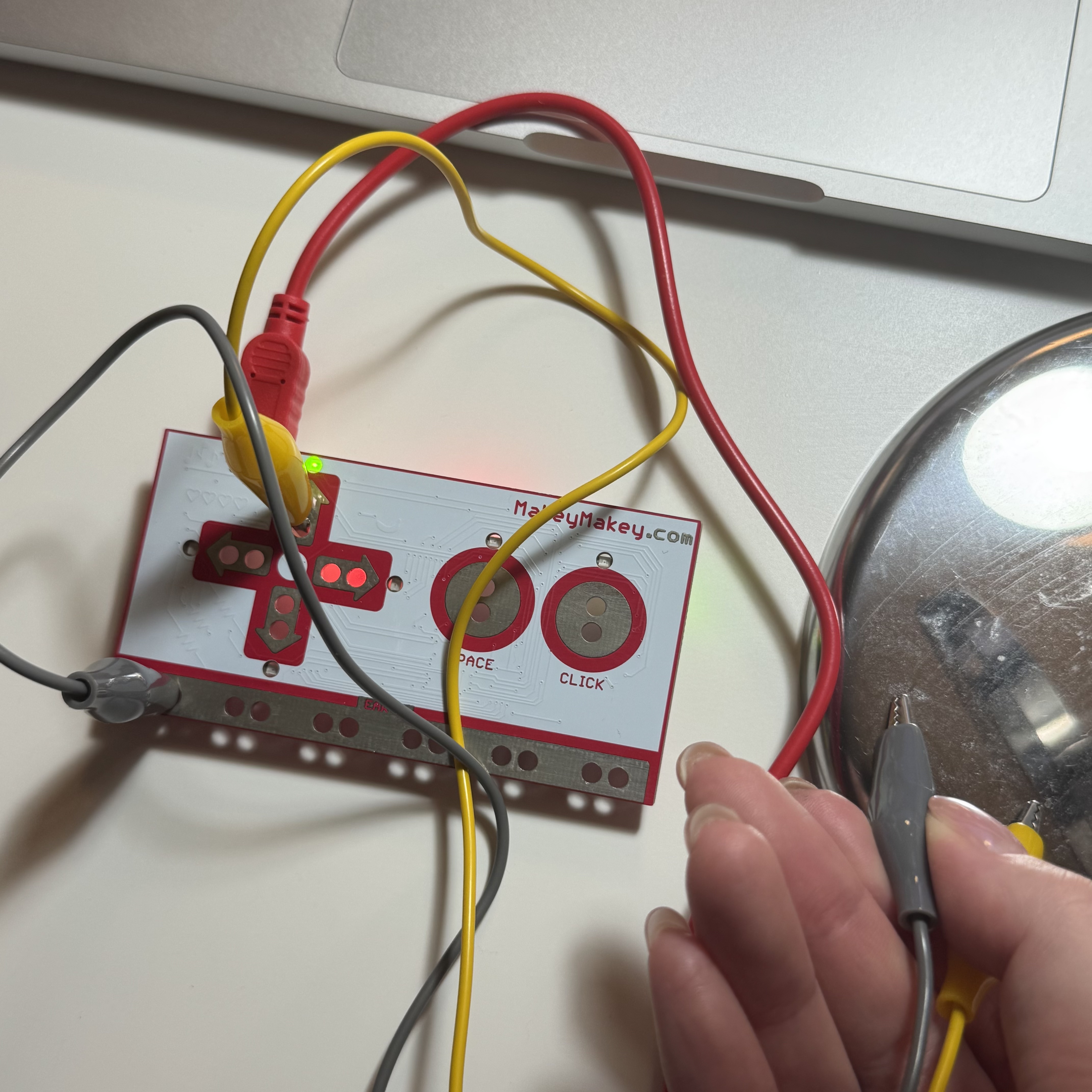
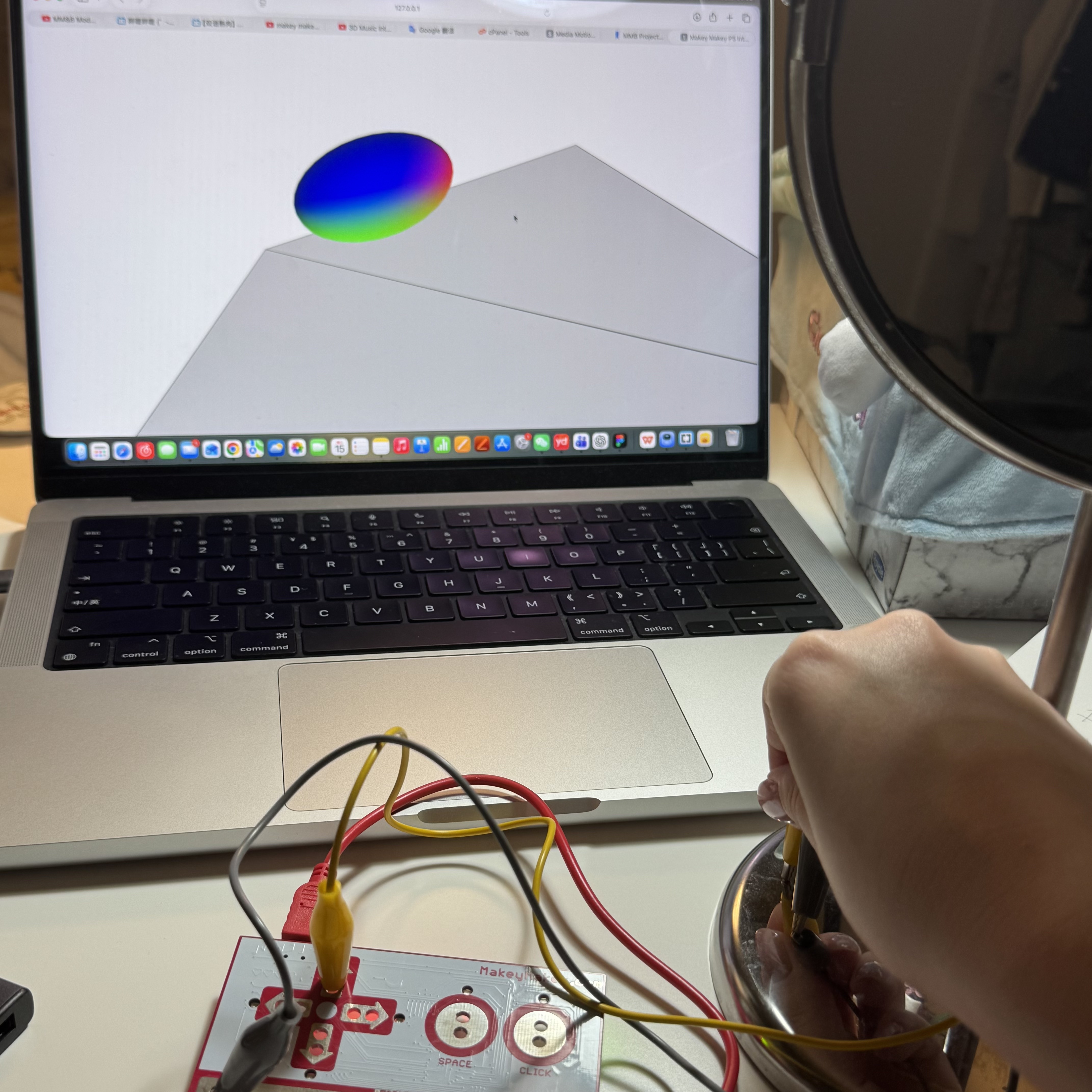
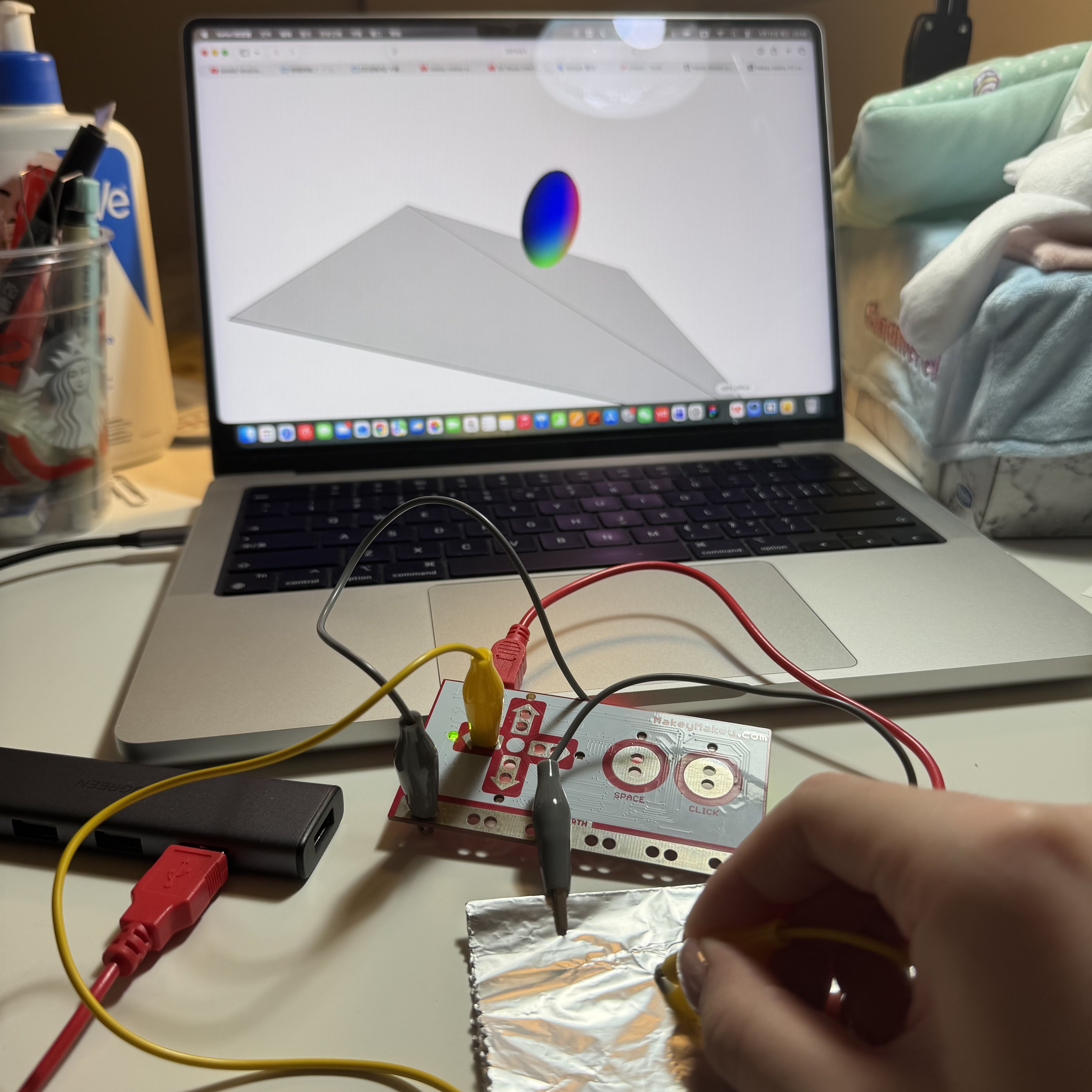
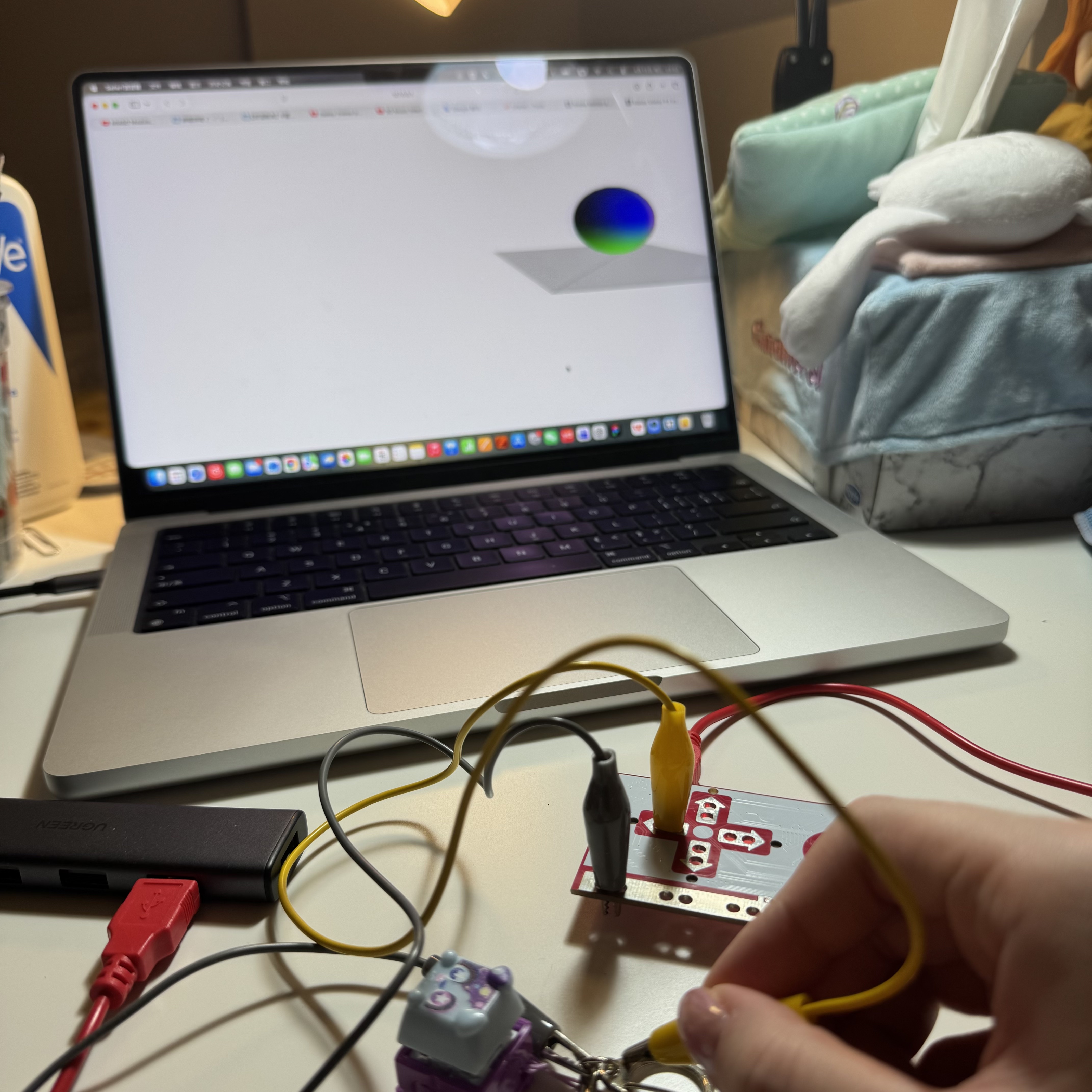
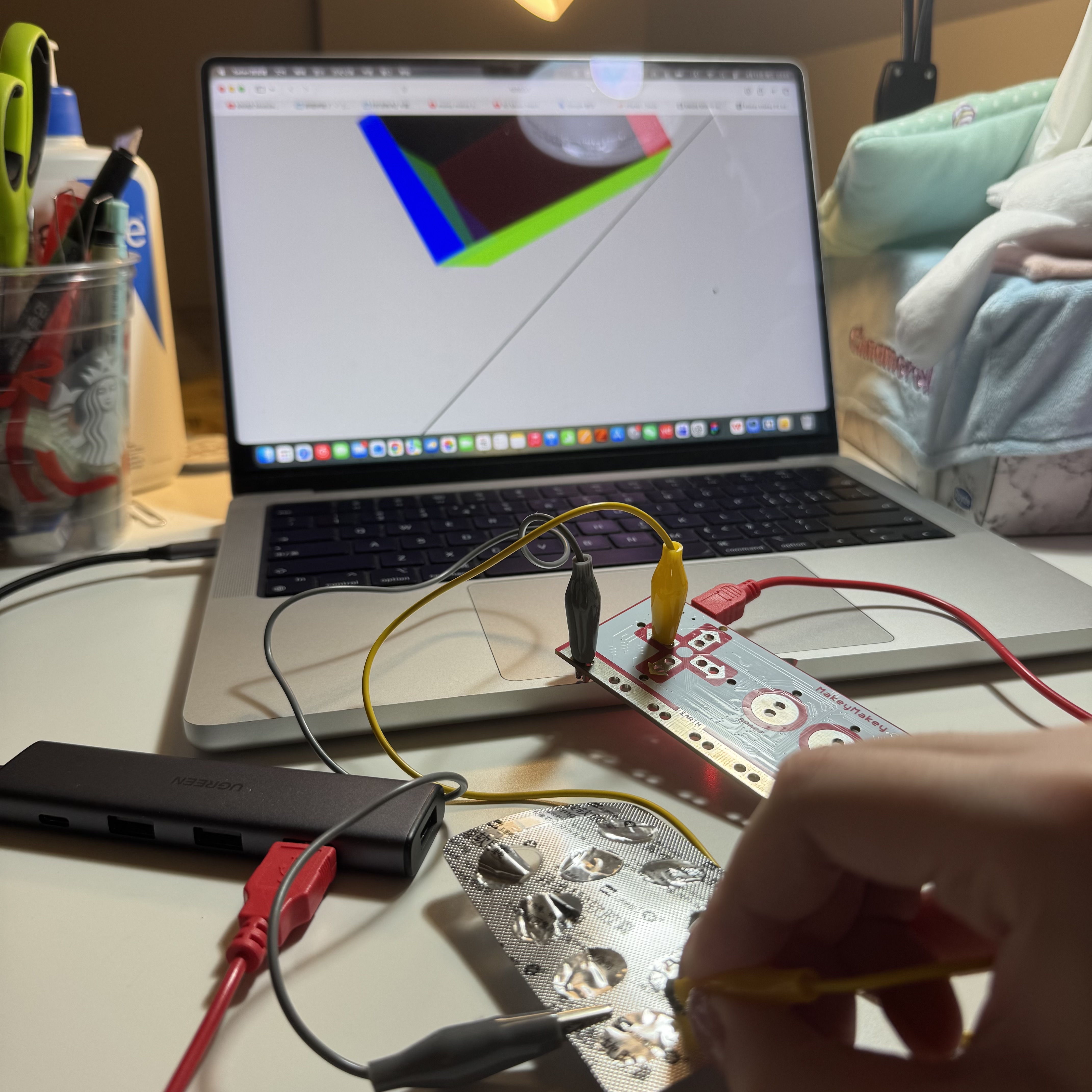
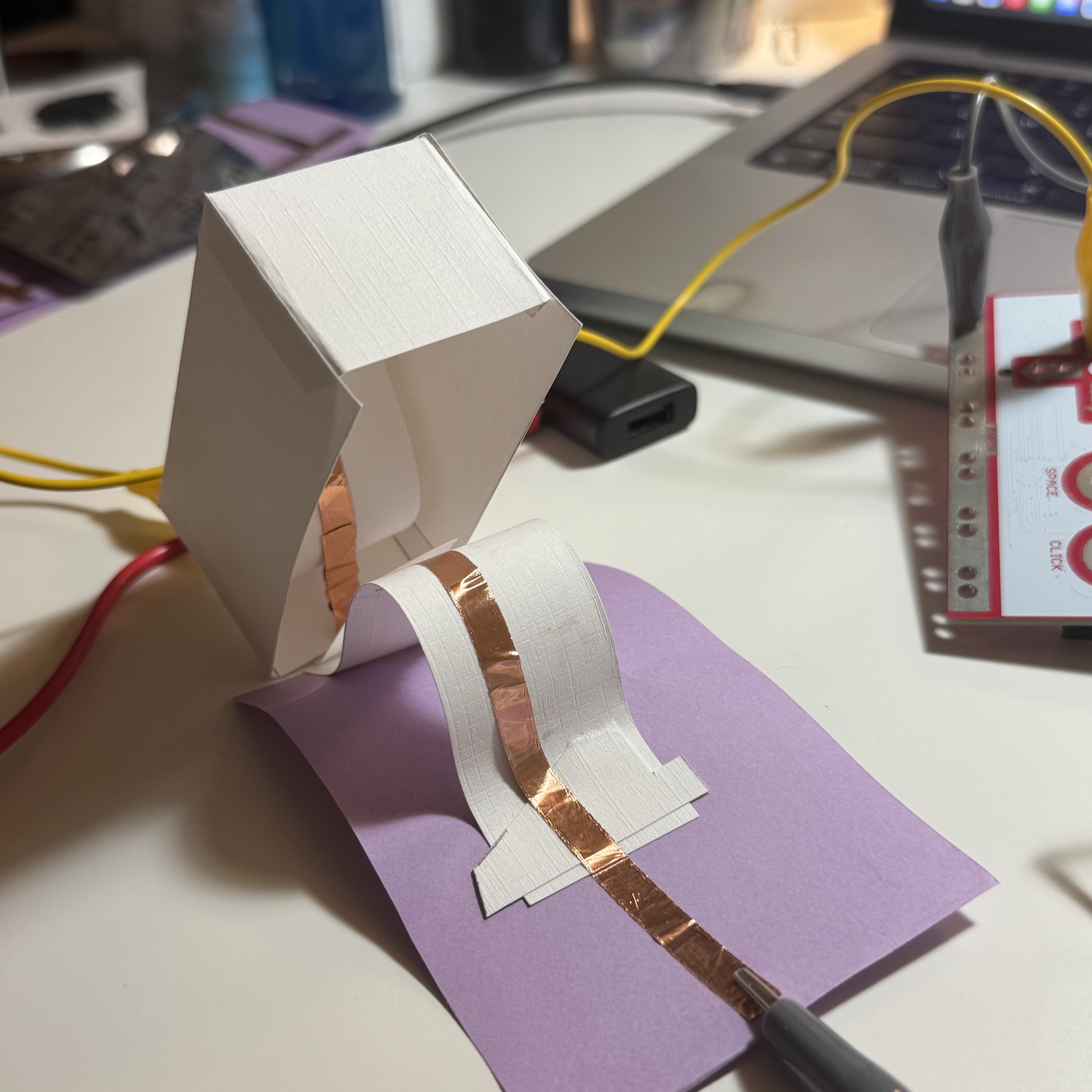
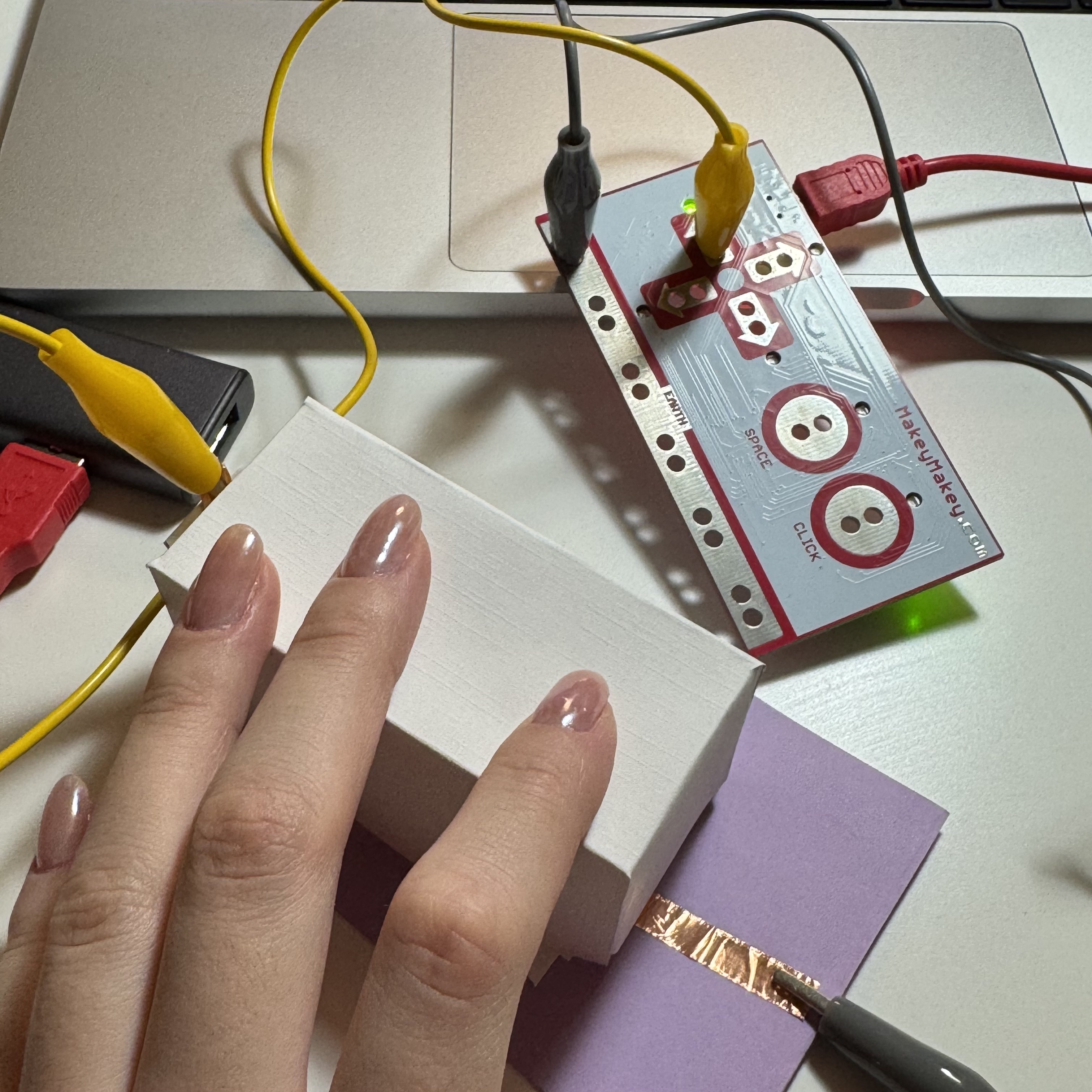
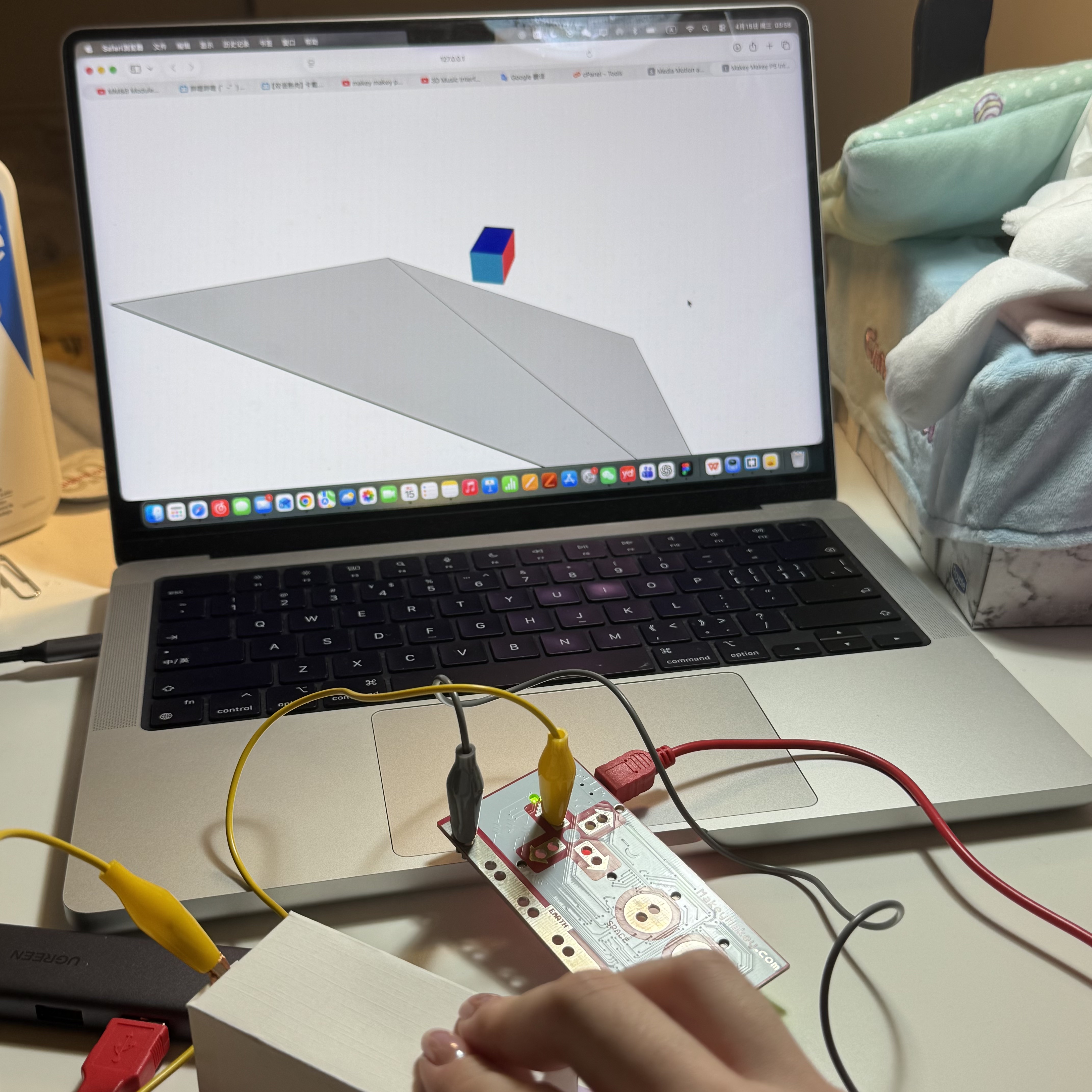
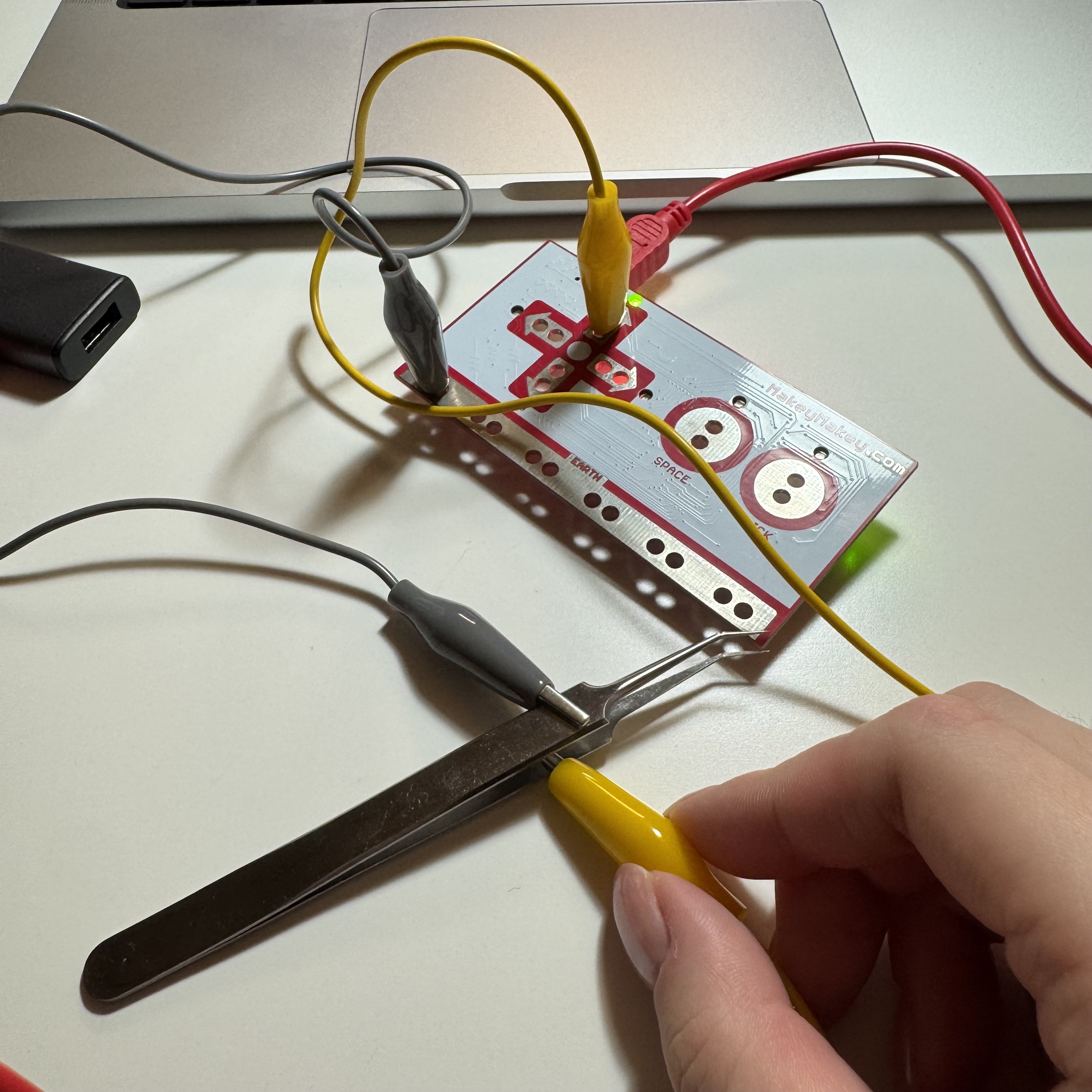
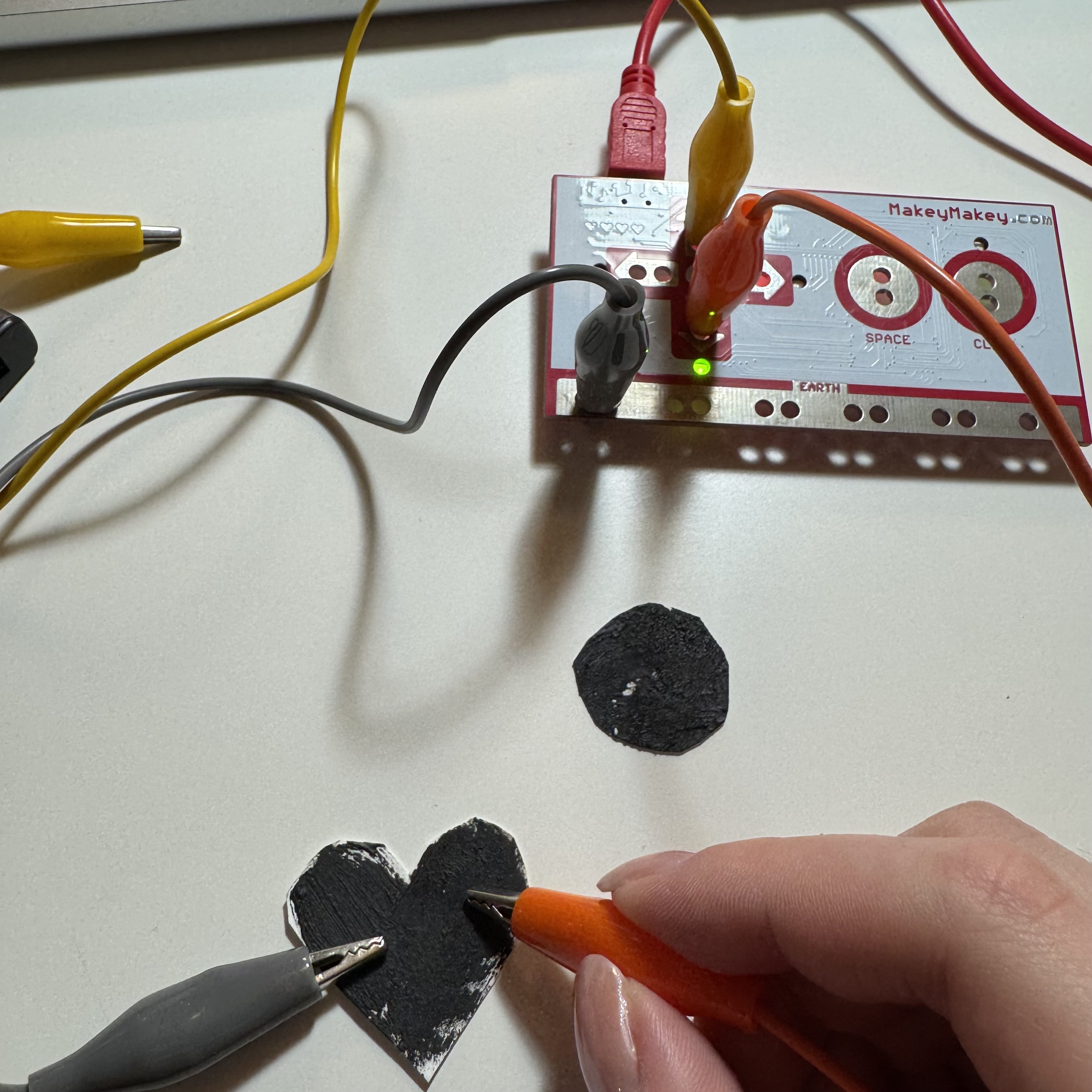
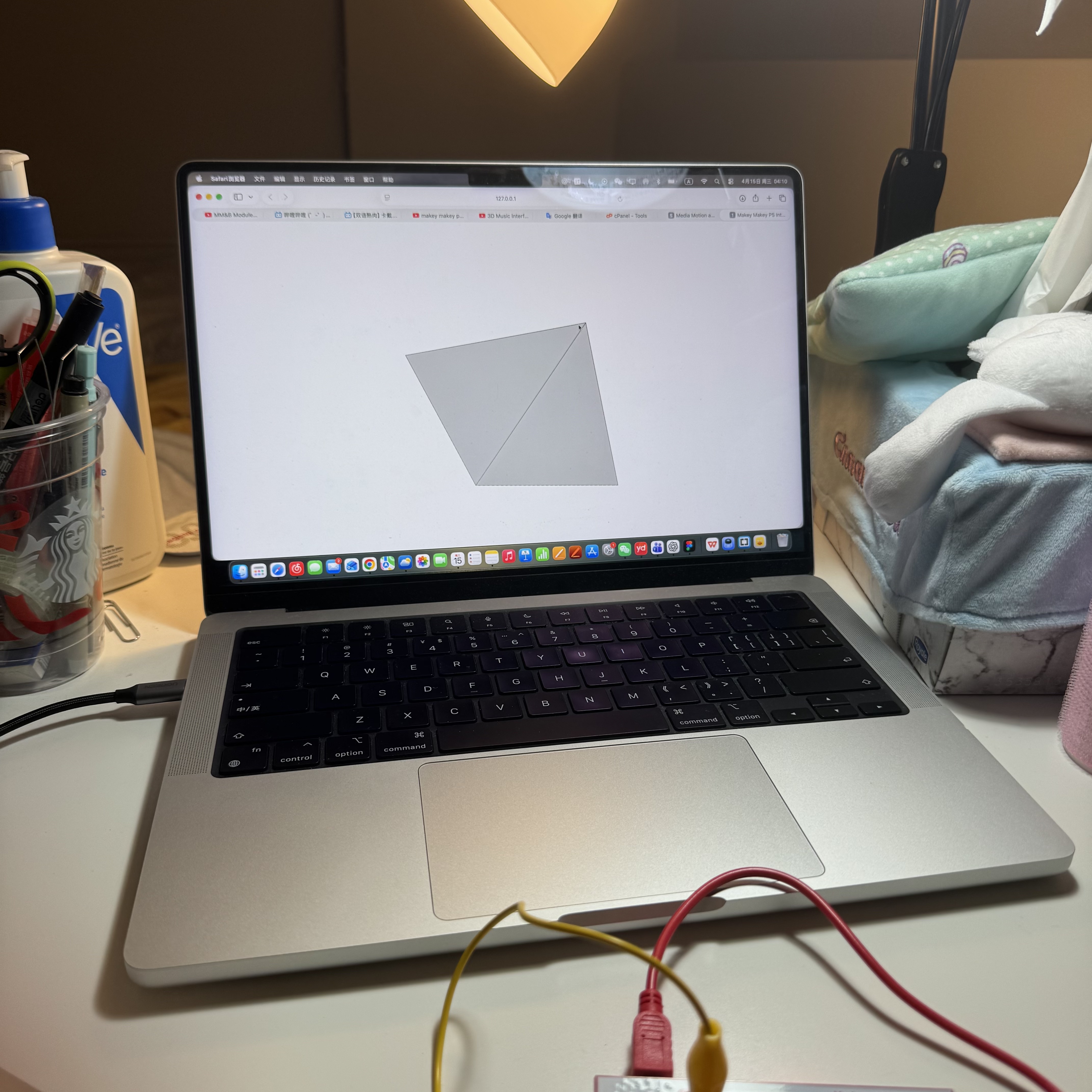
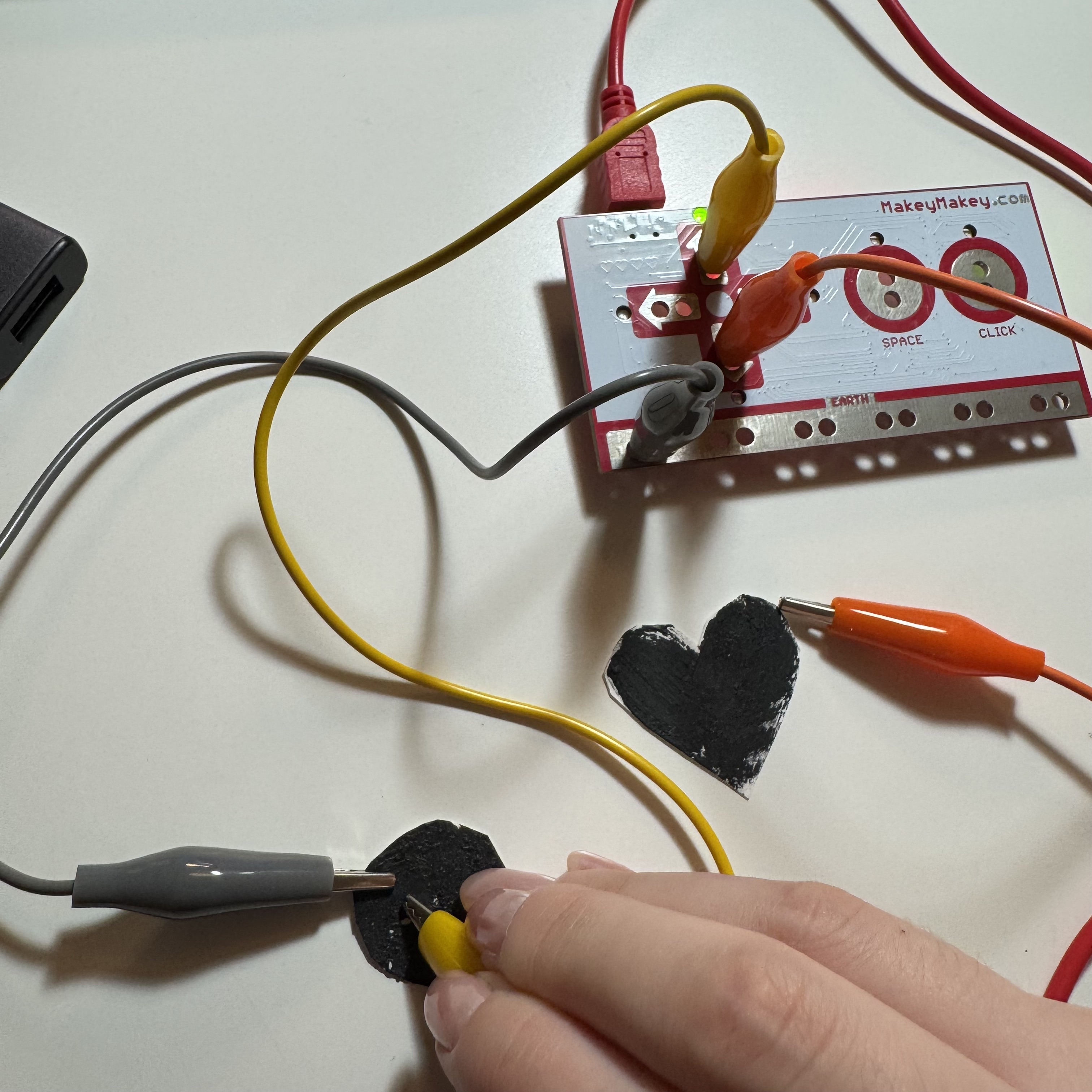
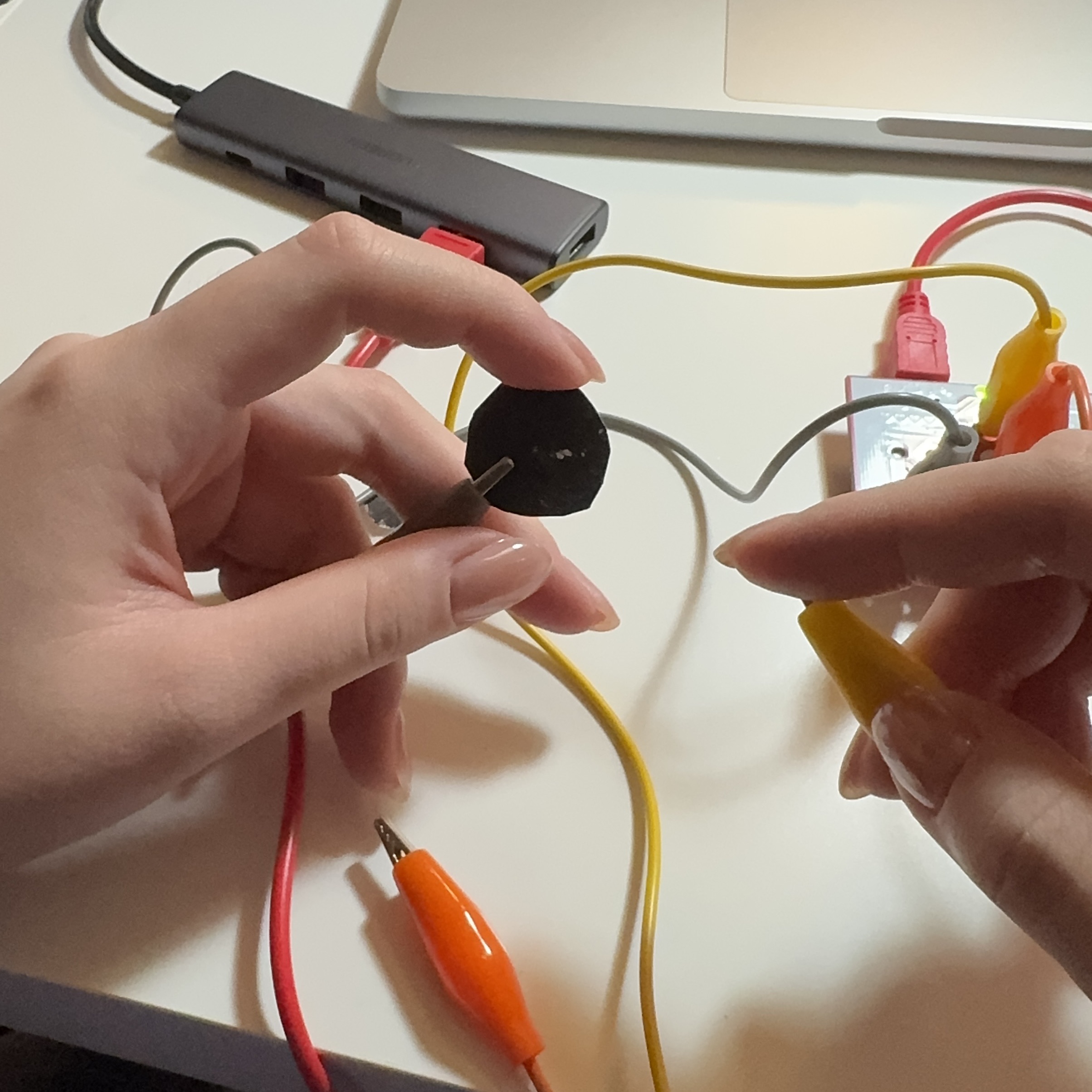
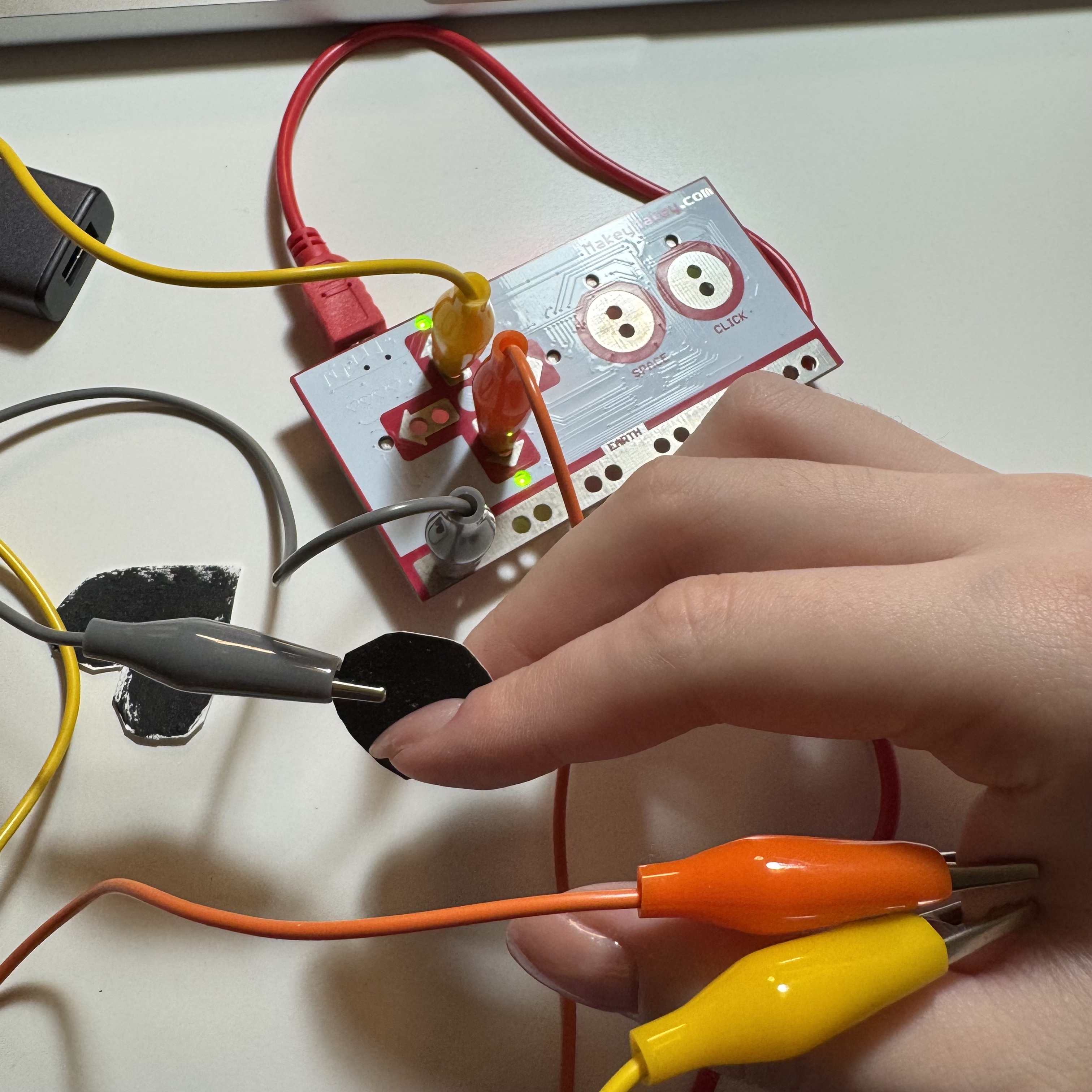
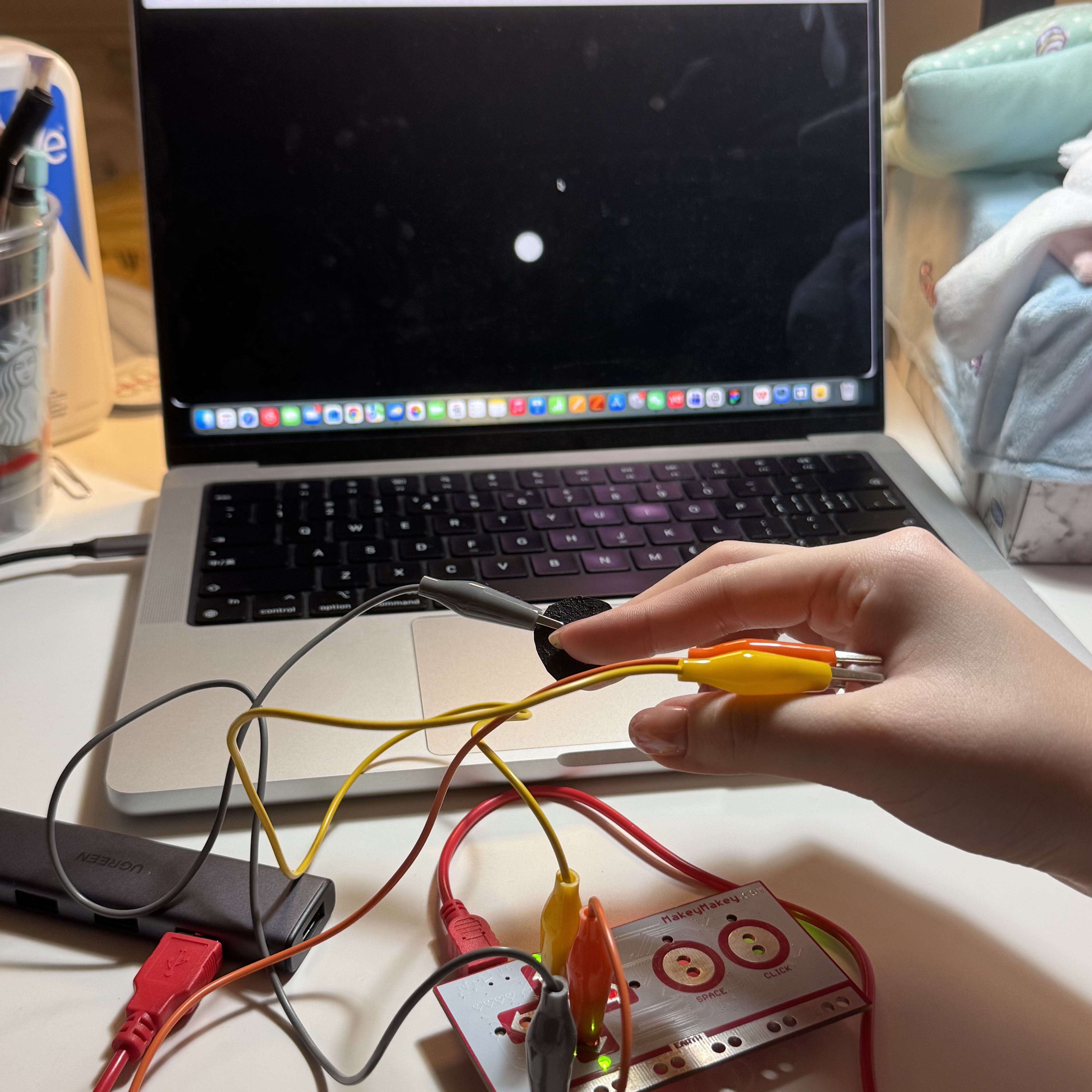
I tested the conductive tape in sketch file. The tape is connected to the up arrow so the box turned blue I connected the alligator clip and the tape with the space key, and the box turned cyan The box turned magenta when the click key is connected I tested conductive tape in sketch 1 file I connected the graphite button with the right arrow key and the ellipse moved to the right side I connected the heart-shaped graphite button with the down arrow key and the ellipse moved to the buttom of the screen i tested the outer ring of the water bottle and it is conductive I connected the outer ring of the water bottle with the up arrow key and the box was turned over to the up side I connected the outer ring of the water bottle with the right arrow key and the box moved to the right side I tested the base of the desk mirrow and it worked in the webpage I connected the mirror base with the up key and the visual angle was risen I connected the mirror base with the left key and the visual angle rotated to the left Testing the keychain Testing the medicine board I made a switch with rebound effect. Once the box is pressed, the circuit will be closed. The switch was connected. The conductive tape was hidden beneath the small paper box. I connected the switch with the left key and the visual angle rotated to the left I tested both side of the tweezers and they were activated I put two alligator clips on Makey Makey and made them connected with two graphite buttons with different appearances I activated the heart-shaped button which was connected with the down arrow key, then the platform turned over to the bottom i activated the round-shaped button which was connected with the up arrow key The visual angle rotated to the up side Between the graphite I added myself as the conductor I put two alligator clips on my skin and my finger on the graphite button to test the usability The circuit worked and the webpage responded to the actions

Project 3


Final Project 3 Design

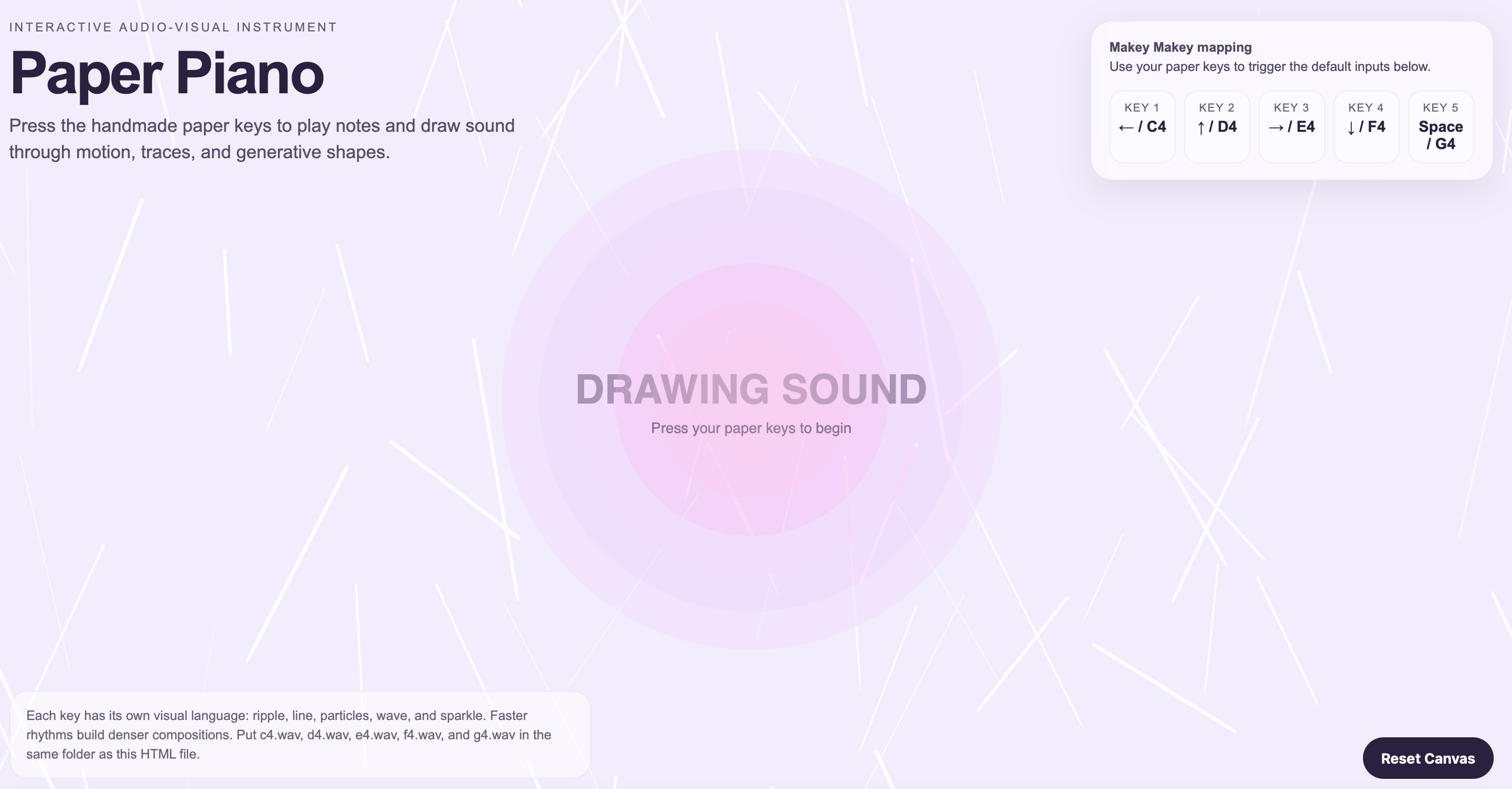
My project is an interactive paper piano made that combines cardstock, Makey Makey, and P5.js. Each piano key is connected to a digital system that extends the experience beyond the paper structure itself. When the user presses one of the five handmade keys, it triggers a piano note as well as a different animated visual on screen, transforming the instrument into an audio-visual experience.

Final Design URL: https://tangyin.phoenix.sheridanc.on.ca/MM&B%20Module%203%20Final%20Design/
Click on the image to see the complete interaction video of this project.
Final Project Video Final Design
×

Powered by w3.css